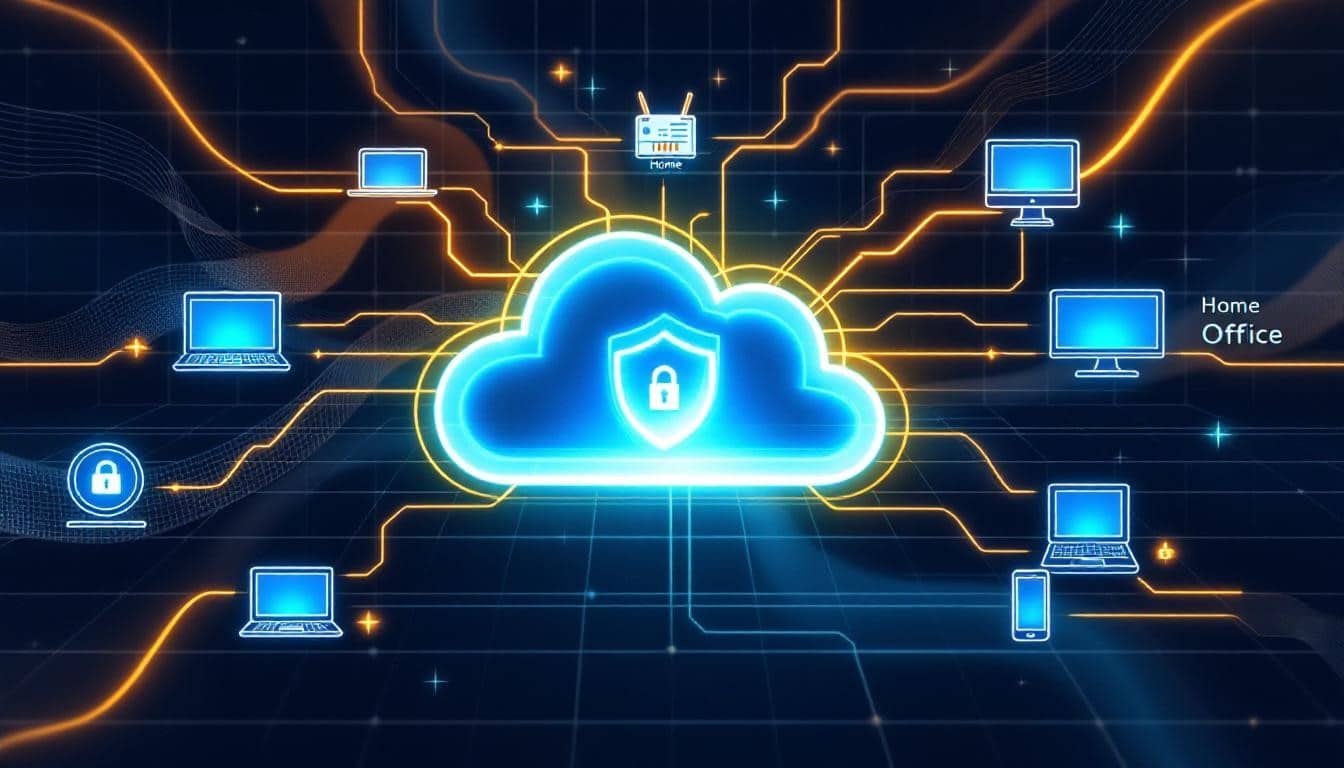
Your team is now spread across multiple locations, working from home, coffee shops, and offices. This shift has created significant security challenges that traditional IT approaches can’t fully address. Hybrid work endpoint security has become essential to protect your business from evolving threats.
Without the right safeguards in place, your distributed workforce exposes sensitive data to phishing attacks, malware, and unauthorized access. The good news is that implementing proven security strategies can dramatically reduce your risk while keeping your team productive.
The Real Security Gap in Today’s Hybrid Workplace
How Hybrid Work Reshapes Your Threat Landscape
Your employees no longer work behind a single corporate firewall and managed office network. They connect from home Wi-Fi networks that lack enterprise-grade security, coffee shops with open networks, and multiple devices that may never receive proper security updates.
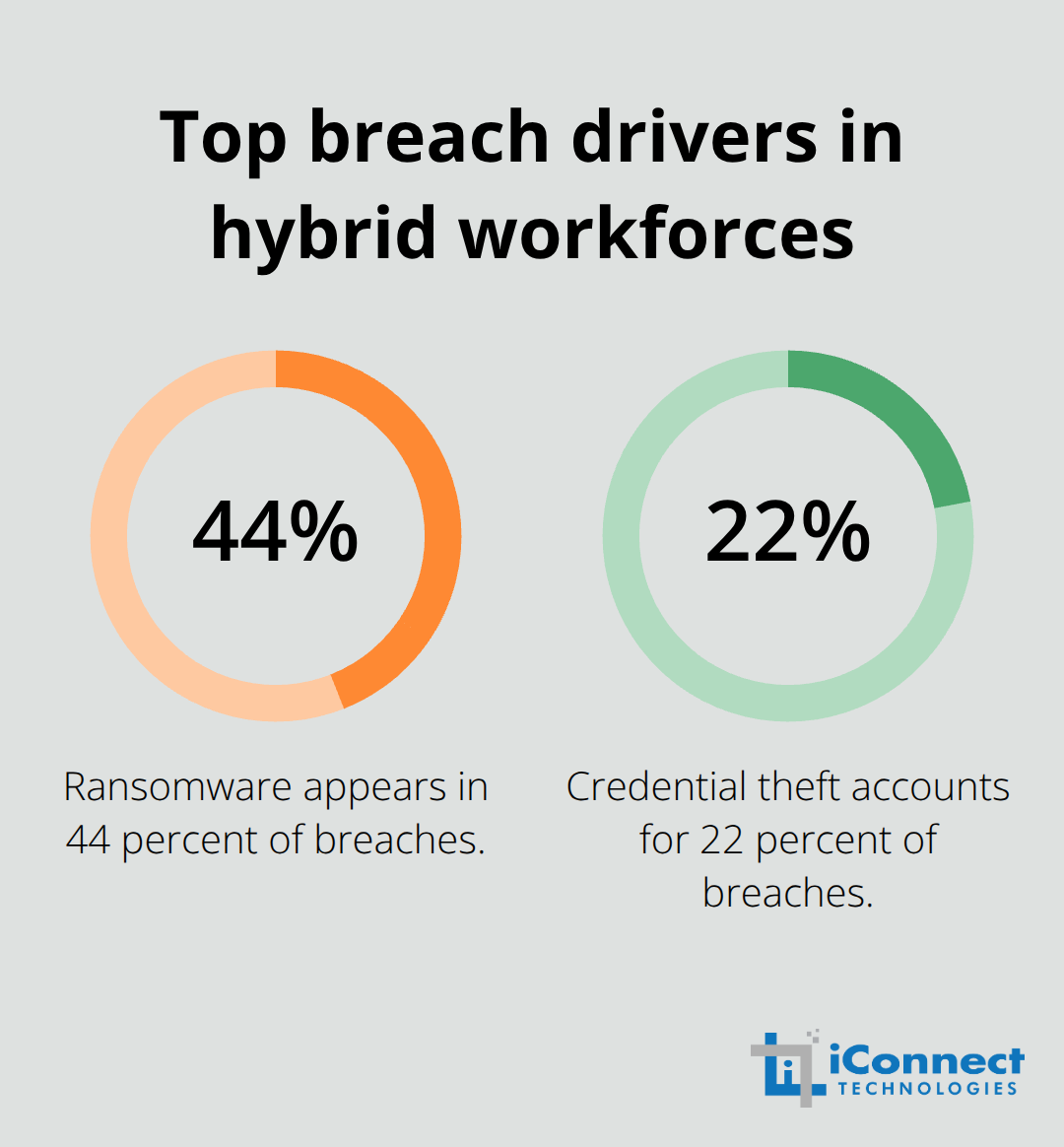
This shift has fundamentally changed how threats reach your business. According to the Verizon Data Breach Investigations Report 2025, ransomware appears in 44 percent of breaches, while credential theft accounts for 22 percent-and remote workers remain the primary target for both. The Philippines experienced over 4.1 million brute-force password attacks in 2024, with cybercriminals increasingly deploying AI to crack weak credentials. On-device threats reached approximately 1.8 million incidents, including malware spread through USB drives and external storage devices.
Why Traditional Endpoint Protection Fails in Hybrid Environments
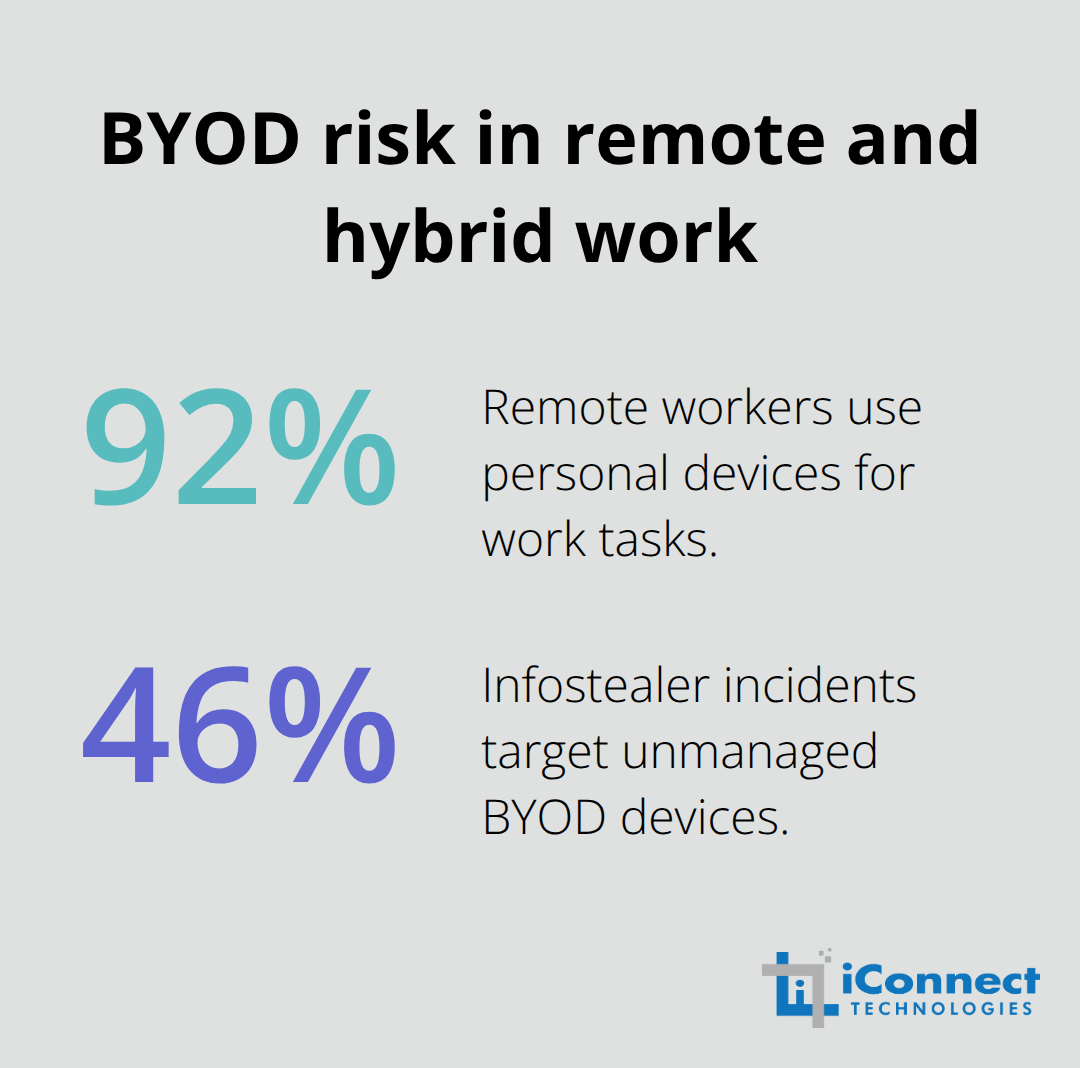
Traditional endpoint protection cannot protect your distributed workforce. Your IT team cannot see what devices connect to corporate resources, whether those devices have the latest security patches, or if employees use personal devices for sensitive work. Ninety-two percent of remote workers use personal devices for work tasks, yet 46 percent of infostealer incidents specifically target unmanaged BYOD devices.
VPN-targeted exploits have grown eightfold year over year, meaning the remote access tools you rely on face constant attack. These numbers reveal a critical reality: your distributed workforce has become your largest security vulnerability.
The Business Impact of Endpoint Breaches
The financial stakes are severe. A single endpoint breach can trigger client contract penalties, costly downtime, and reputational damage that affects future business deals. For small to mid-sized businesses, this creates an impossible choice-secure hybrid work properly, or accept unacceptable risk to operations and client trust. The answer requires moving beyond perimeter-based security to a continuous verification model that assumes no device or user is inherently trusted, regardless of location or network connection. This shift in security philosophy demands new tools, new processes, and a fundamental change in how you protect your workforce.
Building a Three-Layer Defense for Hybrid Workforces
Identity Verification at Every Access Point
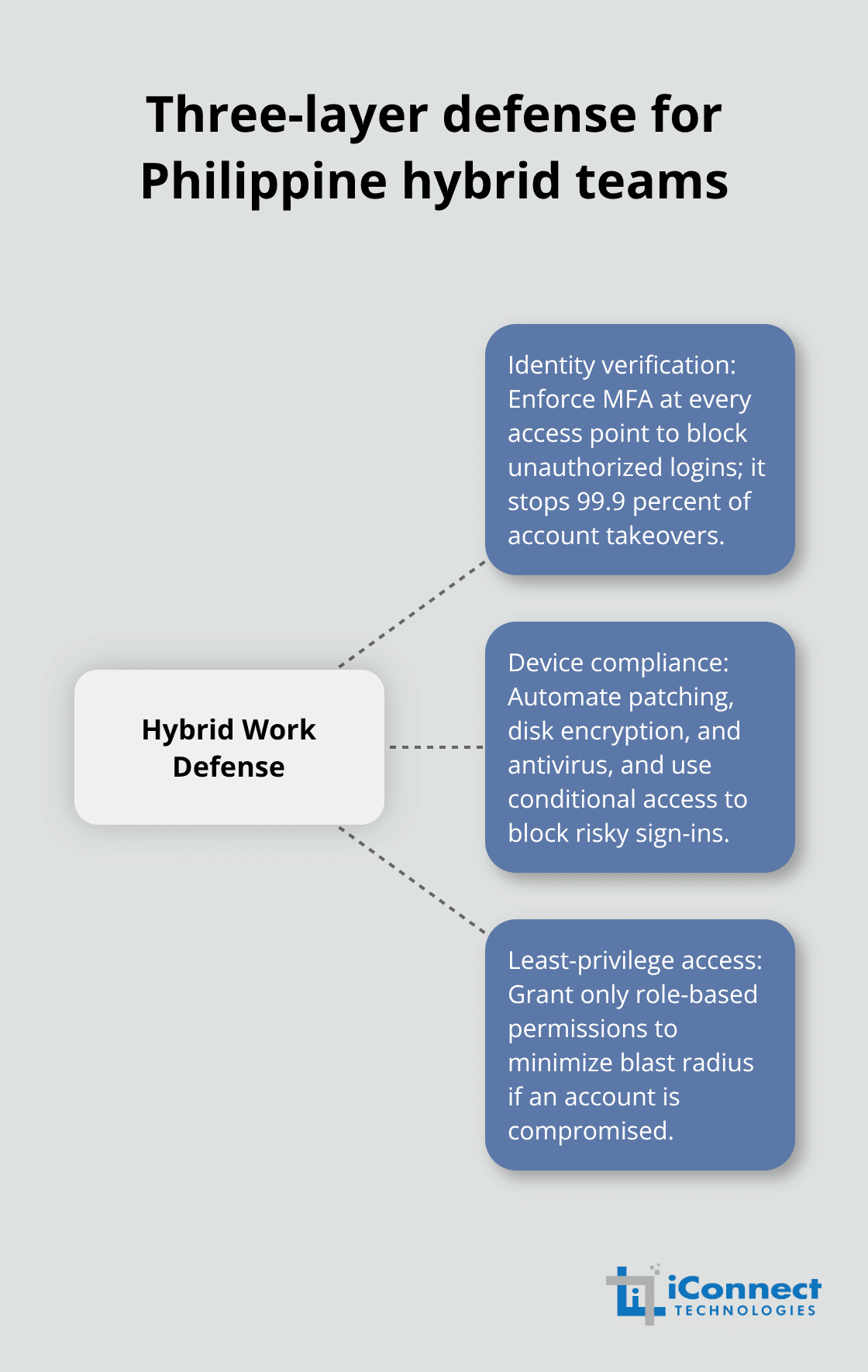
Your hybrid workforce needs three interconnected defenses that work together continuously. Identity verification must happen every single time an employee accesses company resources, not just during initial login. Multi-factor authentication stops 99.9 percent of account takeovers according to Microsoft security data, yet most small businesses treat it as optional rather than mandatory. Enforce MFA across all accounts immediately-email, cloud applications, VPNs, and file servers. This single step eliminates the majority of unauthorized access attempts before they reach your data. Attackers may steal passwords, but they cannot bypass a second authentication factor without physical access to your employee’s phone or security key.
Device Compliance and Continuous Verification
Every device connecting to your network must prove it meets minimum security standards before gaining access. This means checking that operating systems are current, antivirus is active, disk encryption is enabled, and the device hasn’t been compromised. Cloud-based device management solutions let you enforce these policies across Windows, macOS, iOS, and Android from a single console, automatically blocking devices that fall out of compliance. Patch management must be automated rather than manual because every unpatched vulnerability is an open door for ransomware and malware. VPN exploits grew eightfold year over year, highlighting that edge devices and remote access tools face relentless attack. Deploy security updates within days of release, not weeks. Conditional access policies add another layer by analyzing real-time context-if an employee logs in from an unusual location, at an unusual time, from an unusual device, or with unusual access patterns, the system challenges that login with additional verification or blocks it entirely. This context-aware approach catches credential theft and account compromise faster than static rules ever could. The Philippines experienced over 4.1 million brute-force password attacks in 2024 with AI-powered cracking tools, making continuous verification essential rather than aspirational.
Least-Privilege Access Control
Implement Zero Trust architecture by verifying both the user and the device on every access request, then limiting what that specific user can actually see and do based on their role. A customer service representative should never access your financial data, and a developer in Manila should not reach servers they don’t need for their job. This least-privilege approach means a compromised account causes minimal damage because the attacker inherits only the restricted permissions of that single employee. You cannot protect what you cannot see, and most small business owners have no visibility into which devices access their networks, whether those devices have outdated software, or which employees use personal phones and laptops for sensitive work. Device management becomes your operational backbone in hybrid work. Organizations with comprehensive device management reduce breach detection time significantly compared to those without it. These three layers-identity verification, device compliance, and least-privilege access-work together to create a security posture that adapts to your workforce’s actual behavior rather than relying on static perimeter defenses that no longer exist in distributed environments.
What Threatens Your Hybrid Workforce Most
Phishing Attacks Target Remote Workers Relentlessly
Phishing attacks have evolved into your hybrid team’s primary entry point for compromise. Attackers no longer send obvious scam emails; they craft messages that impersonate trusted vendors, executives, or IT support staff, targeting remote workers who lack the visual cues and peer validation of an office environment. The Verizon Data Breach Investigations Report 2025 confirms that about 88% of breaches involve the use of stolen credentials, and phishing remains the delivery mechanism for most credential harvesting campaigns. Your employees receive dozens of emails daily, many from legitimate business contacts, making it nearly impossible for even security-aware staff to catch every malicious message.
You need two simultaneous actions to defend against phishing: deploy email security tools that analyze links and attachments in real time before they reach inboxes, and conduct targeted phishing training that focuses on the specific threats your industry faces rather than generic awareness campaigns. Staff trained on actual phishing attempts report suspicious emails far more frequently than those who receive one-time security training. For small business owners, this means investing in email filtering that catches advanced threats using machine learning and behavioral analysis, then scheduling quarterly simulations that send fake phishing emails to your team and immediately educate anyone who clicks. This approach transforms phishing from an inevitable breach vector into a manageable risk.
Personal Devices and Home Networks Create Uncontrolled Vulnerabilities
Unsecured personal devices and home networks create a second critical vulnerability that most small businesses underestimate. 92% of remote employees perform work tasks on personal devices, yet this widespread practice exposes your business to significant risk. Your employee’s home Wi-Fi router likely runs outdated firmware, lacks proper encryption, and sits exposed to neighbors and attackers scanning for vulnerable access points. Their personal laptop probably runs outdated operating systems, has outdated antivirus software, and may never receive security patches because they do not realize updates are available.
Device management solutions that enforce compliance policies become non-negotiable for hybrid workforces. You must automatically block any device that lacks full-disk encryption, runs an outdated operating system, or has antivirus disabled. This sounds harsh to business owners worried about employee friction, but unmanaged devices cause far more damage than the minor inconvenience of enforcing compliance. Ransomware and malware spread through unpatched vulnerabilities at exponential speed once they reach your network, and a single compromised personal laptop can encrypt your entire file server within hours.
Real-Time Monitoring Stops Ransomware Before It Spreads
Deploy cloud-based endpoint detection and response tools that continuously monitor devices for malicious behavior, even when employees work outside your network. These tools use AI-powered analytics to identify unusual process execution, suspicious network connections, and data exfiltration attempts that traditional antivirus software misses entirely. Ransomware attacks no longer announce themselves with warning messages; modern variants operate silently, spreading laterally through your network while encryption happens in the background. The only defense is real-time behavioral monitoring combined with automated isolation that quarantines a compromised device before it damages shared resources.
Small businesses often assume ransomware only targets large enterprises with massive budgets, but attackers actively hunt for mid-market firms because they frequently lack advanced defenses and often pay ransoms rather than restore from backups. The financial impact extends beyond ransom demands to include recovery costs, downtime, potential client contract penalties, and reputational damage that affects future business opportunities. Your hybrid workforce demands endpoint protection that travels with employees, delivering consistent visibility and threat response whether devices operate inside your office, on home networks, or in public locations.
Final Thoughts
Hybrid work endpoint security is no longer optional for small business owners. The shift to distributed workforces has fundamentally changed your threat landscape, and traditional perimeter-based defenses cannot protect teams scattered across home offices, coffee shops, and multiple locations. These three layers-multi-factor authentication, device compliance enforcement, and continuous monitoring-work together to stop credential theft, prevent ransomware spread, and catch phishing attacks before they compromise your business.
The financial impact of proactive security implementation extends far beyond breach prevention. You avoid costly downtime, protect client contracts from penalty clauses, and preserve the reputation that drives future business opportunities. Organizations that invest in endpoint security now spend significantly less on incident recovery than those that wait for a breach to force action.
Start by auditing your current endpoint security posture to identify which devices connect to your network, which lack proper encryption or current patches, and which employees use unmanaged personal devices for sensitive work. Implement mandatory multi-factor authentication across all accounts, deploy cloud-based device management to enforce compliance policies automatically, and add endpoint detection and response tools that monitor for malicious behavior in real time. Contact our team to assess your hybrid work security strategy and transform your distributed workforce into a manageable operational reality.