Every minute your business is offline costs money-lost sales, damaged reputation, and frustrated customers. Yet many small business owners still rely on manual backup processes that leave them vulnerable to extended downtime and significant data loss.
Automated disaster recovery backups eliminate these risks by dramatically reducing your Recovery Point Objective (RPO) and Recovery Time Objective (RTO). This guide walks you through how automation protects your business and what steps to take next.
Understanding RPO and RTO Fundamentals
Defining Recovery Point Objective and Recovery Time Objective
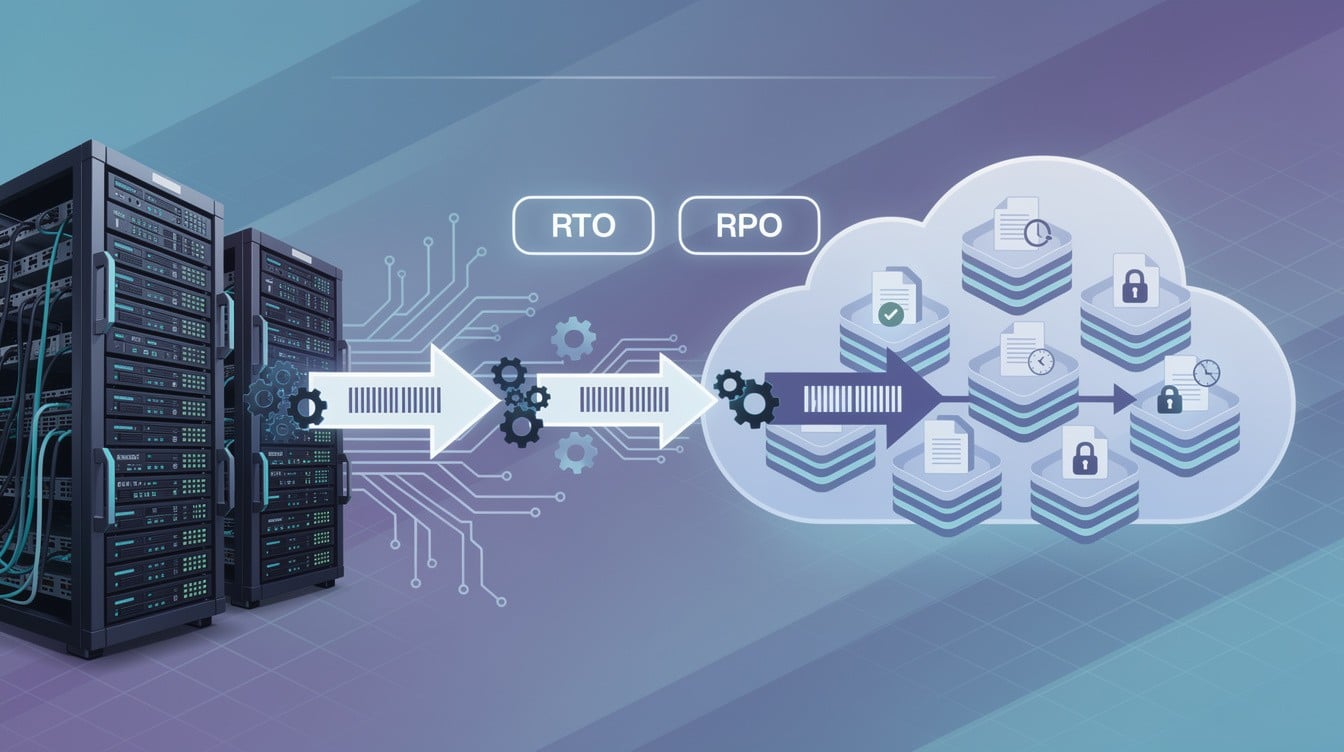
Recovery Point Objective and Recovery Time Objective are the two metrics that determine how much data you can afford to lose and how long your business can tolerate being offline. RPO measures the maximum amount of data loss acceptable after an incident, expressed in time-if your RPO is one hour, you can lose up to one hour of data. RTO measures the maximum time allowed to restore systems and resume operations; if your RTO is four hours, your business must be back online within four hours or face escalating costs.
Why These Metrics Matter for Your Bottom Line
These aren’t abstract numbers. Downtime costs reach approximately $5,600 per minute, and the average incident takes around 200 minutes to resolve. For a small business processing transactions or serving customers, that translates to real revenue loss, customer churn, and reputational damage. Your RPO and RTO targets should align directly with your business criticality. A point-of-sale system needs an RTO measured in minutes and an RPO of five minutes or less because every transaction lost is a lost sale.
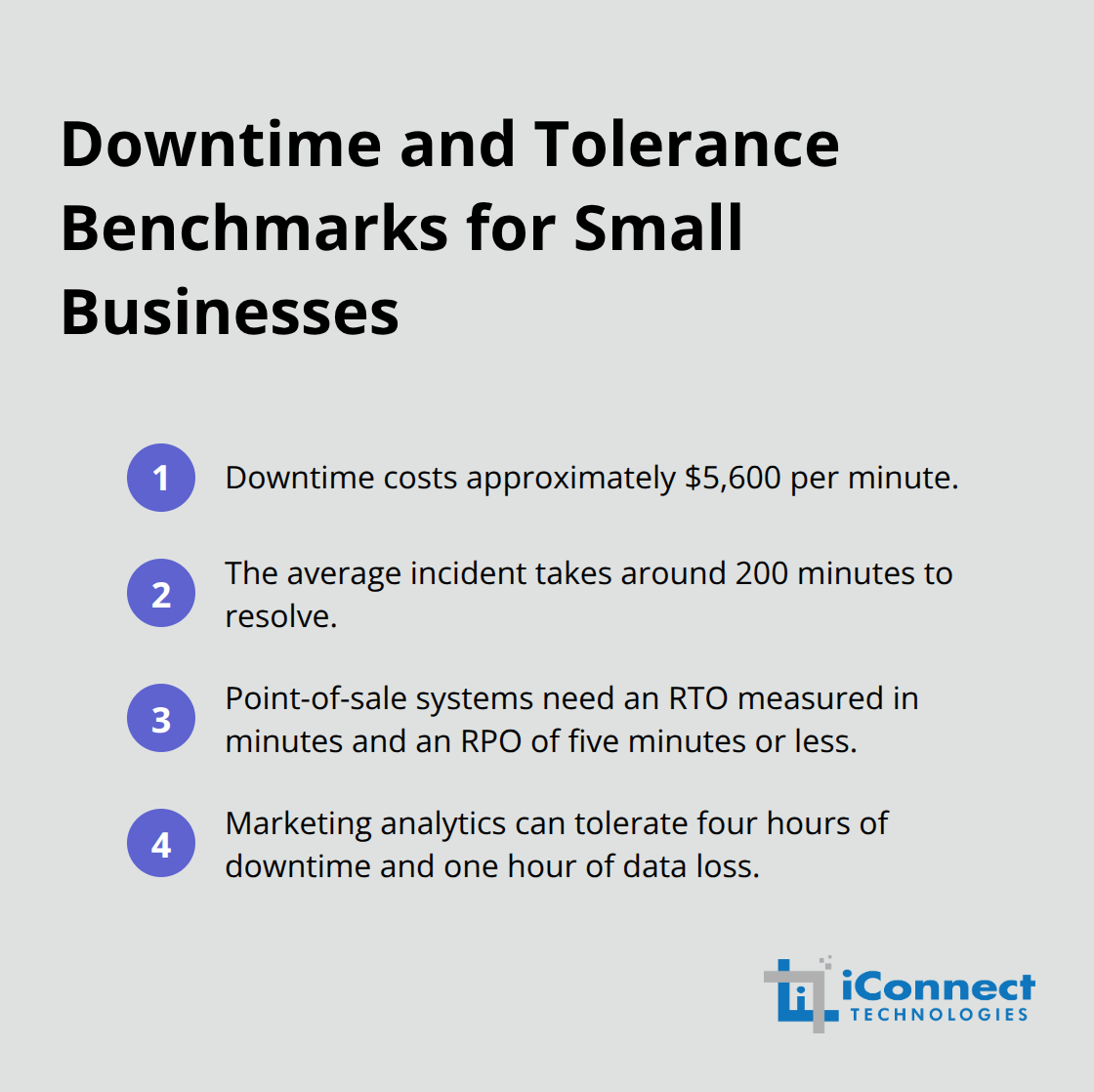
Your marketing analytics platform can tolerate four hours of downtime and one hour of data loss without catastrophic impact.
The Pitfall of One-Size-Fits-All Backup Strategies
The mistake most small businesses make is treating all systems the same, applying a one-size-fits-all backup schedule that either over-protects non-critical workloads or under-protects mission-critical ones. This approach wastes resources and leaves you exposed where it matters most. 70 percent of organizations are likely to suffer business disruption from unrecoverable data loss-a statistic that reflects both the frequency of incidents and the inadequacy of many backup strategies.
How Manual Processes Amplify Risk
Manual backup processes amplify this risk because they introduce human error, inconsistent scheduling, and delays in recovery. When your IT person forgets to run a backup or a restore fails silently, you discover the problem only when you need the backup most. Automated disaster recovery backups eliminate this vulnerability through consistent, frequent protection without manual intervention. Continuous data protection captures changes in real time, reducing your RPO to near zero for workloads that demand it. Automated orchestration ensures that when recovery is needed, systems restore in the correct sequence, respecting application dependencies and bringing your business back online predictably and quickly.
The Verification Advantage
The difference between manual and automated approaches is the difference between hoping your backups work and knowing they work. Automated systems test and verify recovery readiness continuously rather than surface problems only during an actual disaster. This continuous validation transforms your backup strategy from a reactive measure into a proactive safeguard that protects your revenue, reputation, and customer trust. Understanding your RPO and RTO targets sets the foundation for selecting the right automated solutions-solutions that actually deliver the recovery speed and data protection your business requires.
How Automated Disaster Recovery Backups Reduce RPO and RTO
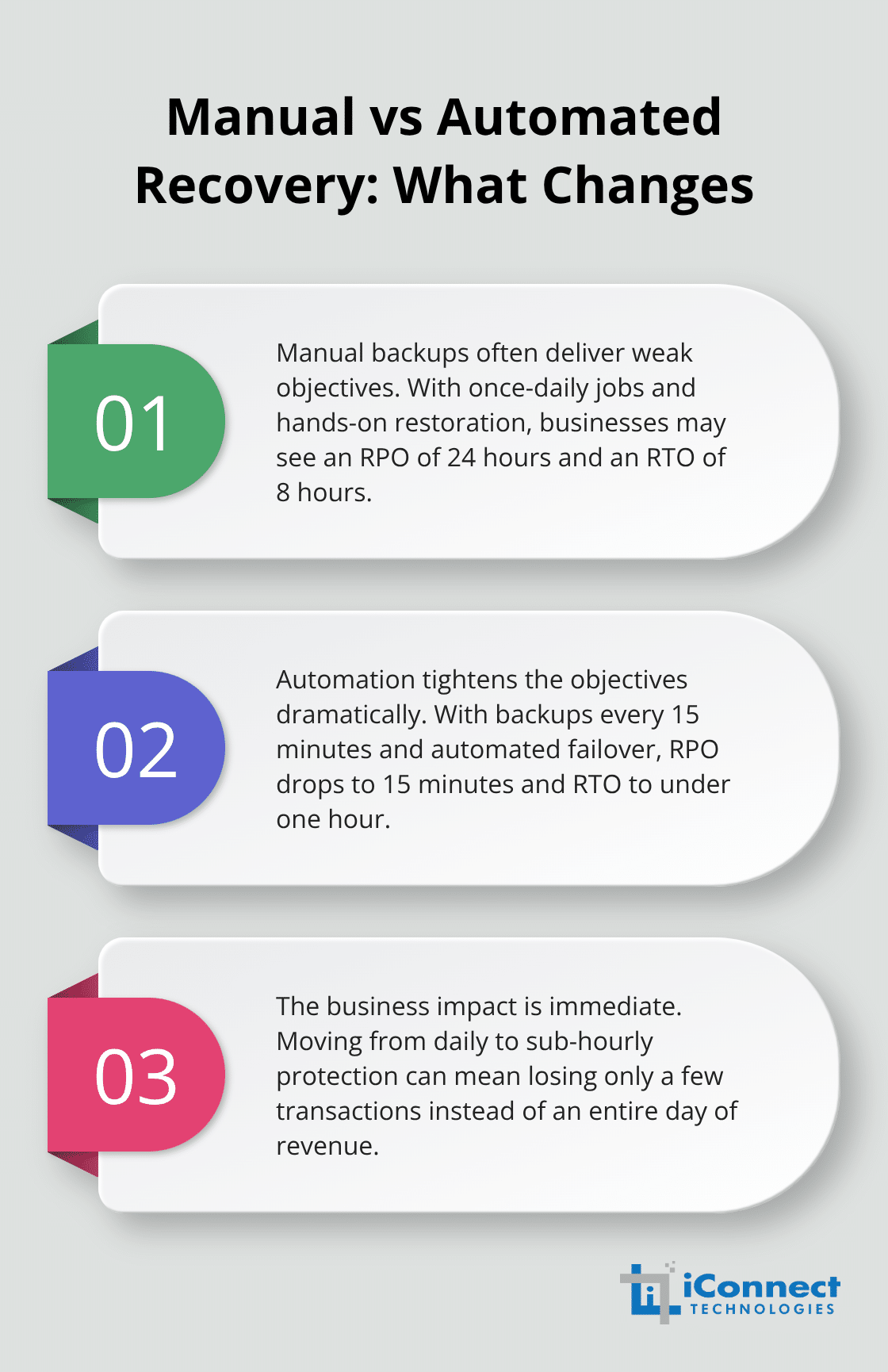
Automated disaster recovery backups work because they eliminate the two biggest killers of tight RPOs and RTOs: human inconsistency and slow recovery processes. Manual backups fail silently, run at unpredictable intervals, and often sit untested until disaster strikes. Automated systems capture data continuously or at precise intervals you define, verify every backup works, and orchestrate recovery in a predetermined sequence that respects application dependencies. The difference is measurable. A business running manual backups might achieve an RPO of 24 hours and an RTO of 8 hours because backups happen once daily and recovery requires manual intervention to restore systems in the correct order. The same business with automated disaster recovery can achieve an RPO of 15 minutes and an RTO of under one hour because backups run every 15 minutes and recovery happens through automated failover that boots systems directly from backup images. For small businesses, this shift from daily to sub-hourly protection is not a luxury-it is the difference between losing a few transactions and losing a full day of revenue.
Continuous Data Protection Eliminates the RPO Gap
Continuous data protection captures every change to your critical systems in real time, pushing RPO toward near zero. Traditional incremental backups still require a full backup plus daily incrementals, which means if your full backup runs at 2 AM and an incident occurs at 1:59 PM, you lose nearly 12 hours of data. Continuous protection eliminates this gap entirely. Financial services firms and e-commerce platforms depend on this because a 12-hour data loss translates to thousands of dollars in unrecoverable transactions. Automated systems also implement synthetic consolidation, which combines your incremental backups into new full backups without requiring additional backup windows, keeping your recovery window tight without sacrificing performance during business hours.
Instant Recovery Slashes Your RTO
Instant recovery and automated orchestration slash your RTO from hours to minutes. Instant recovery allows you to boot virtual machines, databases, and file shares directly from backup images within minutes, bypassing the traditional restore-then-start sequence. Automated disaster recovery orchestrators handle failover sequencing, ensuring dependent applications start in the correct order-your database boots before your application server, your application server before your web front end. This automation eliminates manual recovery steps that introduce delays and errors.
Testing Validates Recovery Before Disaster Strikes
Testing validates that your orchestration actually works before a real incident occurs, not after. Many small businesses discover during their first real recovery that a critical dependency was missed or a network configuration was wrong. Automated testing with screenshot verification and service-level checks catches these gaps in advance, meaning when you need to recover, the process executes predictably and your business returns to normal operations within your RTO target, not hours beyond it. These technical capabilities form the foundation for implementation, but selecting the right solution and deploying it correctly determines whether your business actually achieves the RPO and RTO targets you need.
Building Your Automated Disaster Recovery Plan
Start by mapping what actually matters to your business rather than assuming all systems need identical protection. Create a simple inventory of your applications and data, then assign each one a tier based on revenue impact. Tier 1 includes systems that generate immediate revenue or serve customers directly, such as your point-of-sale platform, e-commerce checkout, or customer-facing databases. Tier 2 covers operations that support revenue but tolerate brief delays, like internal accounting systems or HR platforms. Tier 3 handles everything else. Once you’ve tiered your workloads, define realistic recovery time objective and recovery point objective targets for each tier. Tier 1 systems should target an RTO under one hour and an RPO of 15 minutes or less. Tier 2 can tolerate up to four hours of downtime and one hour of data loss. Tier 3 functions with 24-hour windows. This tiering approach prevents wasting resources on systems that don’t need protection while ensuring your critical operations receive the protection they demand.
Align Technology to Your Recovery Targets
Your solution must support the backup frequency and recovery speed your targets require. If your Tier 1 systems need a 15-minute RPO, your backup platform must capture changes every 15 minutes or implement continuous data protection. If your RTO is one hour, the solution must offer instant recovery capabilities that boot systems directly from backup images within minutes, not traditional restore-then-start sequences that consume 30 to 45 minutes just to rebuild the system. Evaluate solutions based on actual recovery times, not marketing claims. Ask vendors for proof through documented test results showing how long recovery takes on your hardware. Verify that the solution handles your specific workload mix. If you run Microsoft 365, ensure the platform protects cloud mailboxes and SharePoint. If you depend on databases, confirm the solution captures application-aware backups that restore databases to a consistent state, not just file copies.
Test Your Solution Before Committing
Test the solution in your environment before committing to a purchase. Most reputable vendors offer trial periods that allow you to run actual recovery tests and validate that the technology delivers your target RPO and RTO on your infrastructure. This hands-on validation reveals whether the platform integrates smoothly with your systems and whether the vendor’s support team responds effectively to your questions. A trial period eliminates guesswork and protects your investment by confirming the solution works as advertised in your specific environment.
Validate Recovery Through Quarterly Testing
Schedule recovery tests quarterly at minimum, more frequently for Tier 1 systems. Each test should simulate a real failure scenario, not just boot a test machine in isolation. Restore a complete application stack including database, application servers, and dependencies in the correct sequence. Document what worked and what failed. Many small businesses discover during their first real recovery that a critical configuration was missing or a network dependency wasn’t properly replicated. Automated screenshot verification and service-level checks catch these gaps before an actual incident occurs. After each test, update your recovery documentation and runbooks to reflect what you learned.
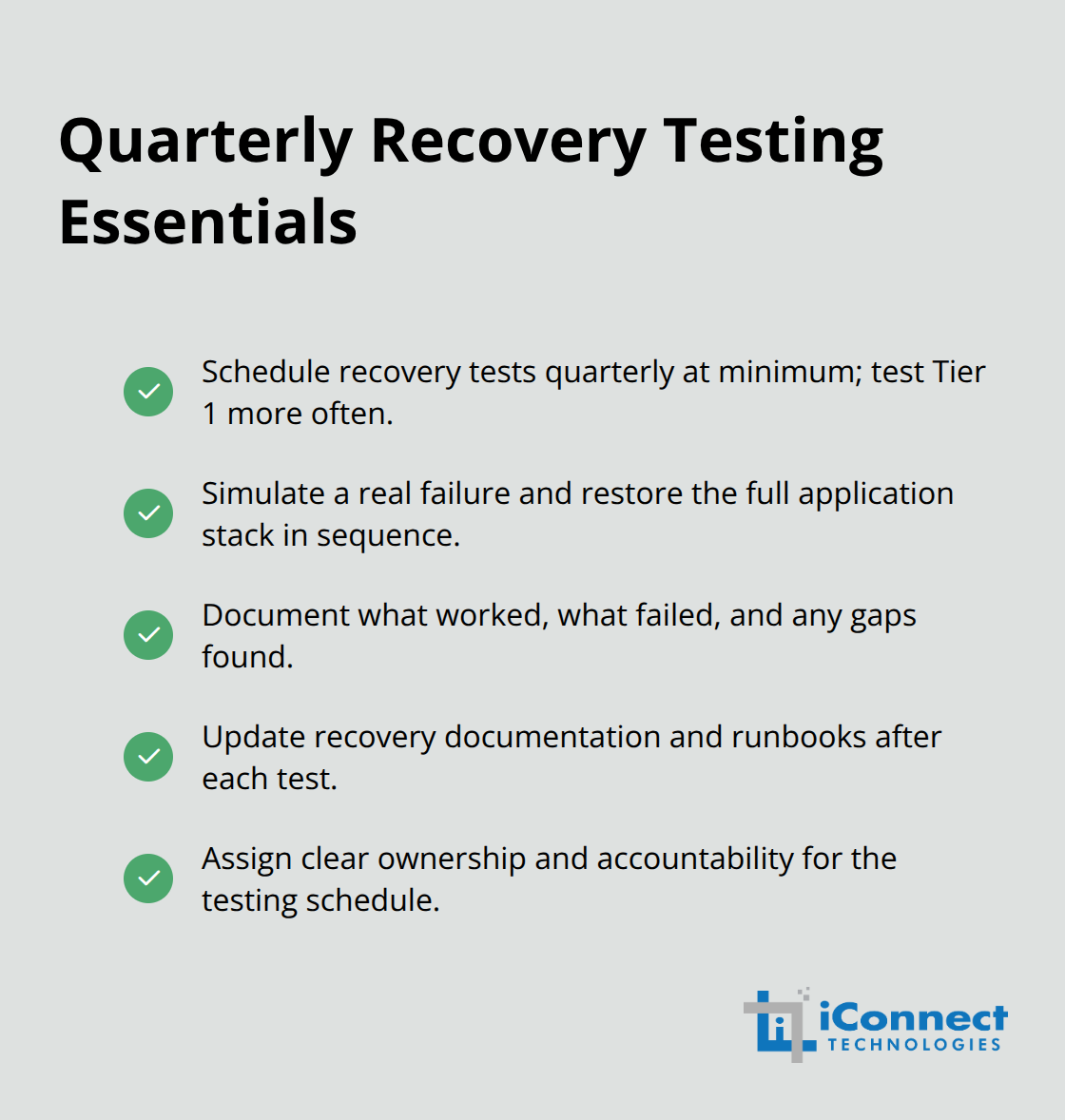
A runbook that sits unchanged for six months guarantees failure because your infrastructure has evolved but your recovery procedures haven’t. Assign one person ownership of the quarterly testing schedule and hold them accountable. Without this accountability, testing gets postponed indefinitely and you’ll never know whether your backup strategy actually works until revenue is on the line.
Final Thoughts
Automated disaster recovery backups transform how small businesses protect their operations and eliminate the inconsistency that manual processes introduce. Continuous data protection and instant recovery capabilities reduce your RPO and RTO from hours to minutes, meaning your business loses less data and returns to normal operations faster when incidents occur. The financial impact proves direct: tighter recovery objectives protect your revenue, preserve customer trust, and reduce the escalating costs of extended downtime.
Three concrete actions move you forward immediately. First, tier your workloads based on business impact and define realistic RPO and RTO targets for each tier-this prevents wasting resources on systems that don’t need intensive protection while ensuring your revenue-generating systems receive the protection they demand. Second, select a solution that actually delivers your target recovery times on your infrastructure, test it thoroughly during a trial period, and validate that instant recovery and automated orchestration work as advertised in your environment. Third, commit to quarterly recovery testing and treat it as a non-negotiable business process, as each test reveals gaps in your configuration, documentation, or runbooks before a real incident exposes them.
Automated disaster recovery backups are no longer optional for small businesses competing in today’s environment. Inventory your critical systems, define your recovery targets, and evaluate solutions that align with those targets. The investment in automation pays for itself the first time you avoid a major outage or recover from ransomware without losing a day of transactions.