When disaster strikes, your business faces more than just immediate damage-it faces the risk of prolonged downtime, lost revenue, and damaged customer trust. Disaster recovery planning is the strategic foundation that keeps your operations running when unexpected events occur.
Without a clear roadmap, even small businesses can suffer catastrophic losses. The good news is that building an effective recovery strategy is achievable with the right approach and commitment.
Why Disaster Recovery Matters
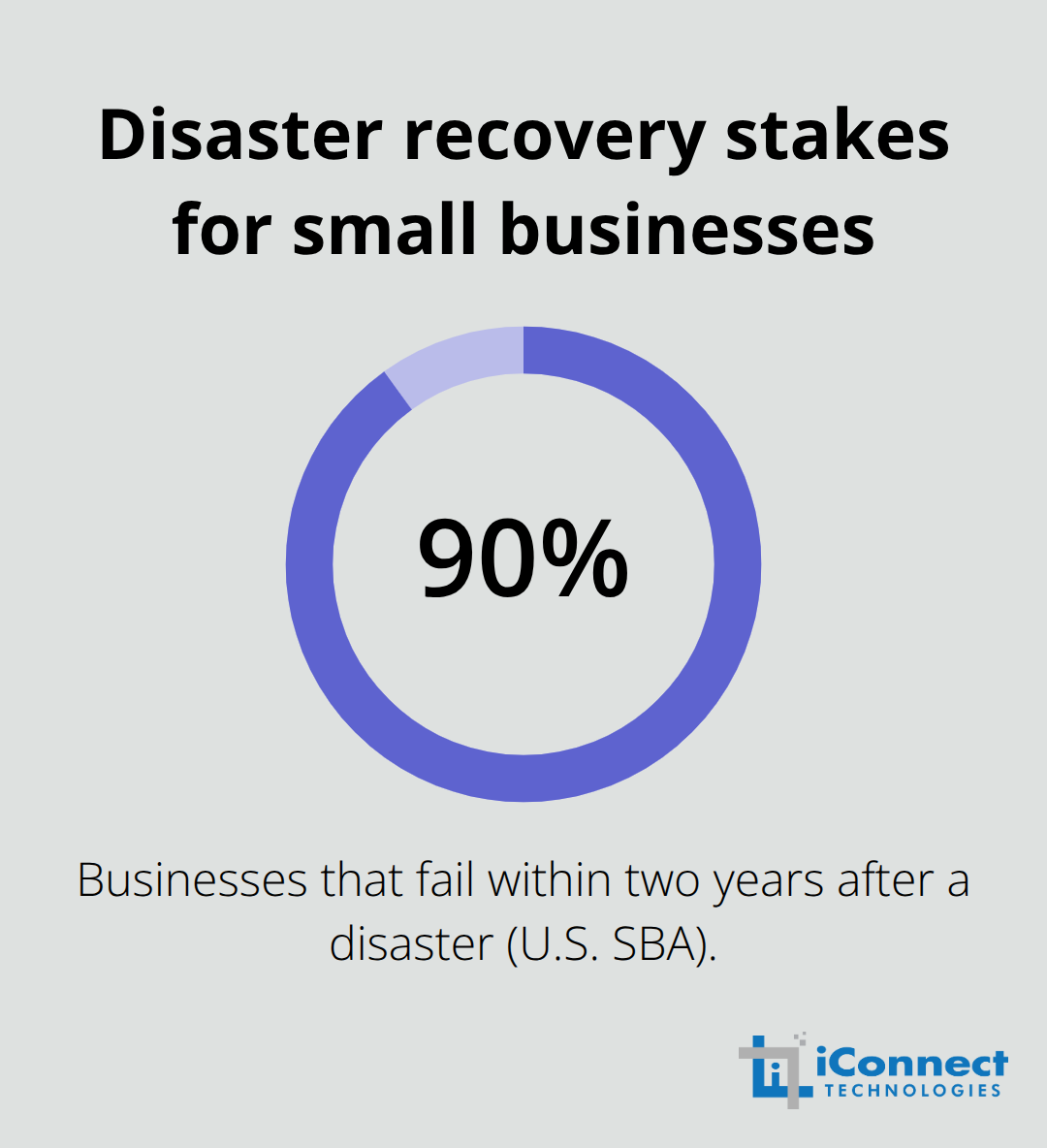
The statistics are stark and unavoidable. The U.S. Small Business Administration reports that 90% of businesses fail within two years after being struck by a disaster, while IBM’s Cost of a Data Breach Report 2023 shows organizations with strong incident-response planning and testing saved approximately $1.49 million compared with those lacking these practices. For small business owners operating on tight margins, a single week of unplanned downtime can eliminate quarterly profits.
A cyberattack, flood, or power outage does not announce itself during business hours or wait for convenient timing. When your systems go down, customers cannot reach you, orders cannot process, and revenue stops flowing immediately. The longer your recovery takes, the more customers you lose to competitors who remain operational. Disaster recovery planning is not insurance against catastrophe; it is the difference between temporary disruption and permanent business failure.
The Real Cost of Inaction
Direct damage from a disaster represents only part of the equation. When a disaster damages your facility or corrupts your data, you face not only repair costs but also lost sales, employee downtime, and damaged relationships with customers and suppliers. Indirect impacts extend far beyond the initial event. Disruptions to critical infrastructure like power, internet connectivity, and supply chains can cripple productivity even when your own systems suffer minimal physical damage. A small manufacturer might have backup equipment ready but cannot operate without electricity from the grid or parts from vendors whose facilities were also affected. These cascading failures compound recovery time and expenses. Floods in Malaysia’s Kelantan region in 2014 evacuated over 160,000 people and cut off the region for 14 days, disrupting roads and rail services and crippling countless businesses for months afterward. Thailand’s 2011 floods affected approximately 557,637 businesses and resulted in about 2.3 million workers losing their jobs. Your business operates within these same vulnerable systems, making advance preparation essential.
Protection and Compliance as Competitive Advantages
Disaster recovery planning also addresses regulatory obligations that many small business owners underestimate. If your business handles customer payment information, you must comply with PCI DSS standards. If you store healthcare data, HIPAA requirements demand documented recovery procedures. If you hold personal information, data protection regulations require proof that you can restore data without unreasonable delay. Compliance is not optional, and auditors expect documented plans, not improvisation. A tested disaster recovery plan demonstrates competence and reliability to customers and partners. When clients know your business has prepared for disruption and can resume operations quickly, they trust you more and stay loyal during difficult times. This credibility becomes a genuine business advantage in competitive markets where customers have choices.
Your organization now understands why disaster recovery planning matters. The next step involves identifying the specific components that transform a general commitment into an actionable, effective plan.
What Your Disaster Recovery Plan Must Include
Identify Your Critical Systems and Set Recovery Objectives
An effective disaster recovery plan rests on three foundational elements that transform abstract commitment into concrete action. Start with a business impact analysis that identifies which systems genuinely matter to your operation. Many small business owners assume all applications carry equal weight, but the reality differs significantly. Your email system matters more than your internal wiki. Your customer database matters more than your archived project files. Talk directly with department heads about which functions, if they stopped working today, would cost you the most money within the first hour, first day, and first week.
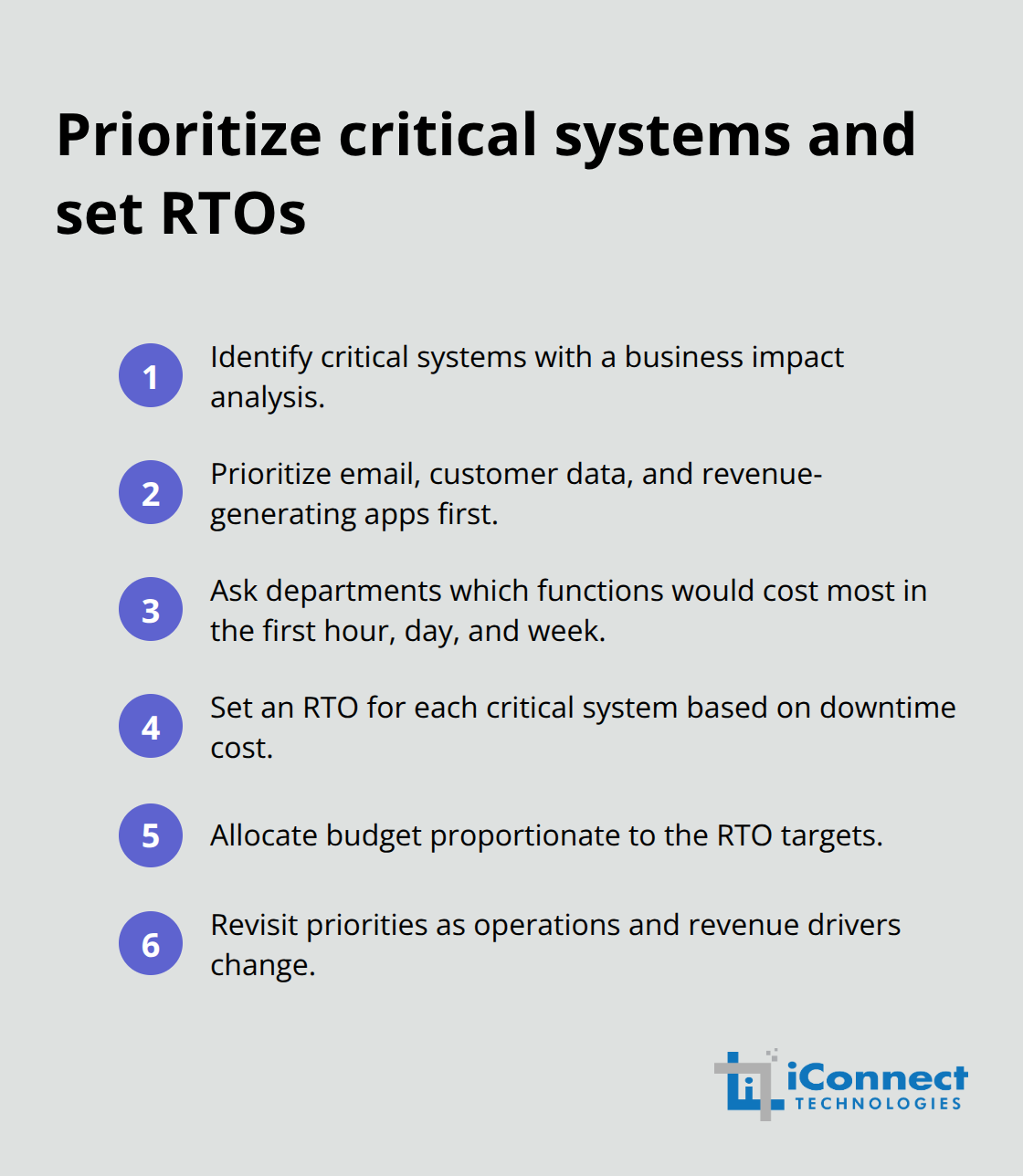
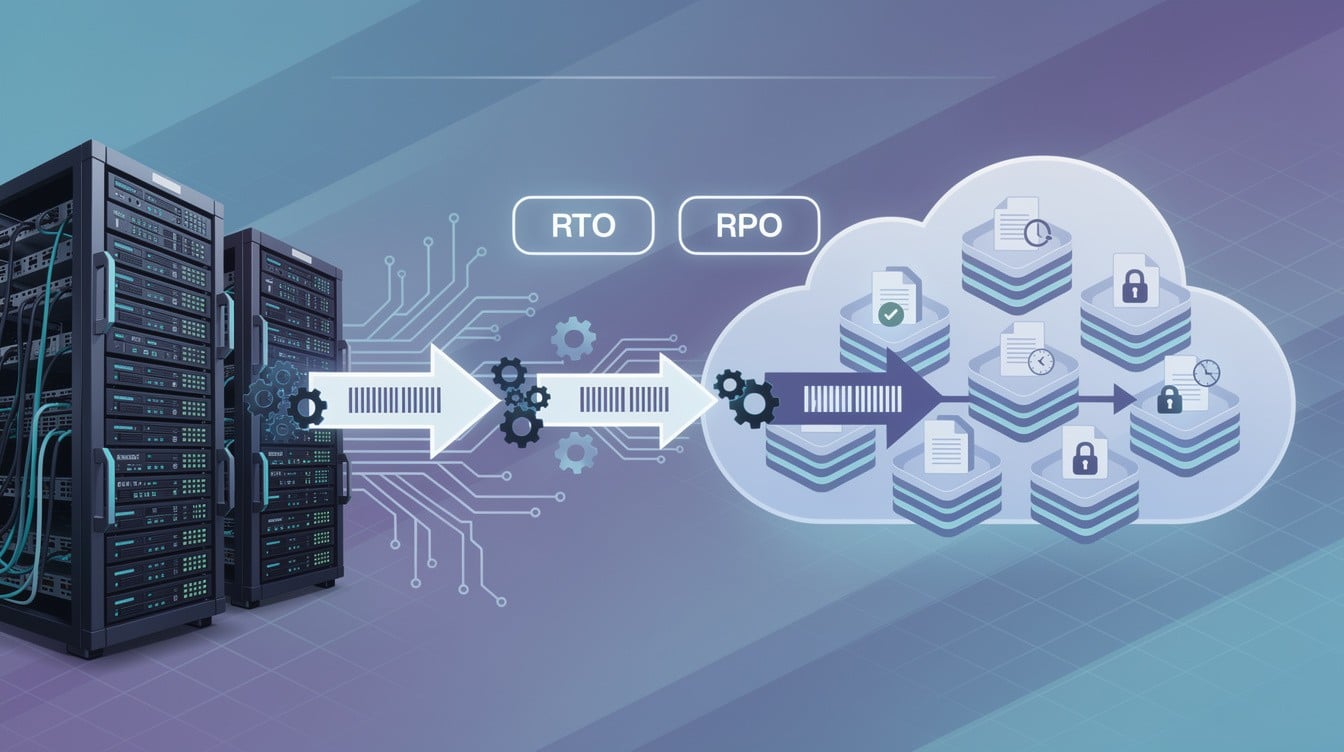
Assign each critical system a Recovery Time Objective, or RTO, which defines the maximum acceptable downtime before serious damage occurs. If your e-commerce platform goes offline and costs you $5,000 per hour in lost sales, your RTO should be measured in minutes. If your backup payroll system can wait a day, its RTO is measured in hours. These numbers directly influence how much you should invest in recovery infrastructure.
Define Your Data Loss Tolerance
Next, define your Recovery Point Objective, or RPO, which determines how much data loss you can tolerate. An RPO of 24 hours means you accept losing up to one day of transactions or changes. An RPO of one hour means you need backups every 60 minutes. Retail businesses often need RPOs measured in minutes because customer orders arrive constantly. A law firm might accept a daily RPO since documents are created throughout the day but can be reconstructed if needed. The gap between your RTO and RPO directly determines your technology costs, so establish these metrics based on actual business impact, not worst-case scenarios.
Document Inventory, Roles, and Procedures
Documentation separates plans that actually work from those gathering dust on shelves. Your disaster recovery plan must include a current hardware and software inventory organized by criticality level, with specific details like model numbers, software license keys, and vendor contact information. Assign clear ownership for each recovery step with names, phone numbers, and email addresses for the person responsible for failing over your email system, restoring your database, contacting your cloud provider, and communicating with customers. Include step-by-step procedures written simply enough that someone unfamiliar with your systems can follow them under stress. Specify where your backups live, how frequently they occur, and who verifies that restoration actually works.
Test Your Plan Regularly and Thoroughly
Test these procedures at least annually through tabletop exercises where your team walks through recovery steps without actually executing them, or through full simulation tests where you actually fail over to your backup systems and confirm they work. Document the results and update your plan based on what you learn. Small businesses that skip testing discover during actual disasters that their backups are corrupted, their offsite copies are inaccessible, or their recovery procedures contain critical gaps. Organizations with strong incident-response planning and regular testing saved approximately $1.49 million compared with those lacking these practices, according to IBM’s Cost of a Data Breach Report 2023. That investment in planning and testing pays measurable dividends when disaster actually strikes.
With your plan’s core components in place, the next challenge involves selecting the right technology solutions and implementation strategies that align with your specific business needs and budget constraints.
Turning Plans Into Practice
Most small business owners invest months building a disaster recovery plan, then shelve it without ever testing whether it actually works. This approach guarantees failure when disaster strikes. The gap between a documented plan and an operational one requires deliberate action across three critical areas: selecting technology that matches your recovery objectives, conducting realistic simulations that expose weaknesses, and updating your plan based on what those tests reveal.
Match Technology to Your Recovery Objectives
The technology you choose must align directly with your RTOs and RPOs, not the other way around. If your RTO is two hours, cloud-based recovery solutions with automated failover capabilities make sense because they restore systems quickly without manual intervention. If your RTO is 24 hours, a weekly backup to external drives stored offsite costs far less and still meets your needs. DRaaS providers handle data replication, failover automation, and comprehensive recovery planning for organizations lacking internal resources, but they transfer control to third parties and add monthly costs. Self-managed solutions using virtualization or cloud storage offer flexibility and lower recurring expenses but demand staff expertise and ongoing maintenance. The decision hinges on your budget, staff capabilities, and tolerance for complexity, not industry trends or vendor marketing claims.
Conduct Realistic Testing to Expose Weaknesses
Testing reveals what planning conceals. Conduct tabletop exercises where your team walks through recovery procedures without actually executing them, identifying gaps in documentation and role assignments before real pressure arrives. Then move to parallel testing where your backup systems run concurrently with production systems, confirming that restored data matches current systems and that your team can actually execute the procedures they documented.
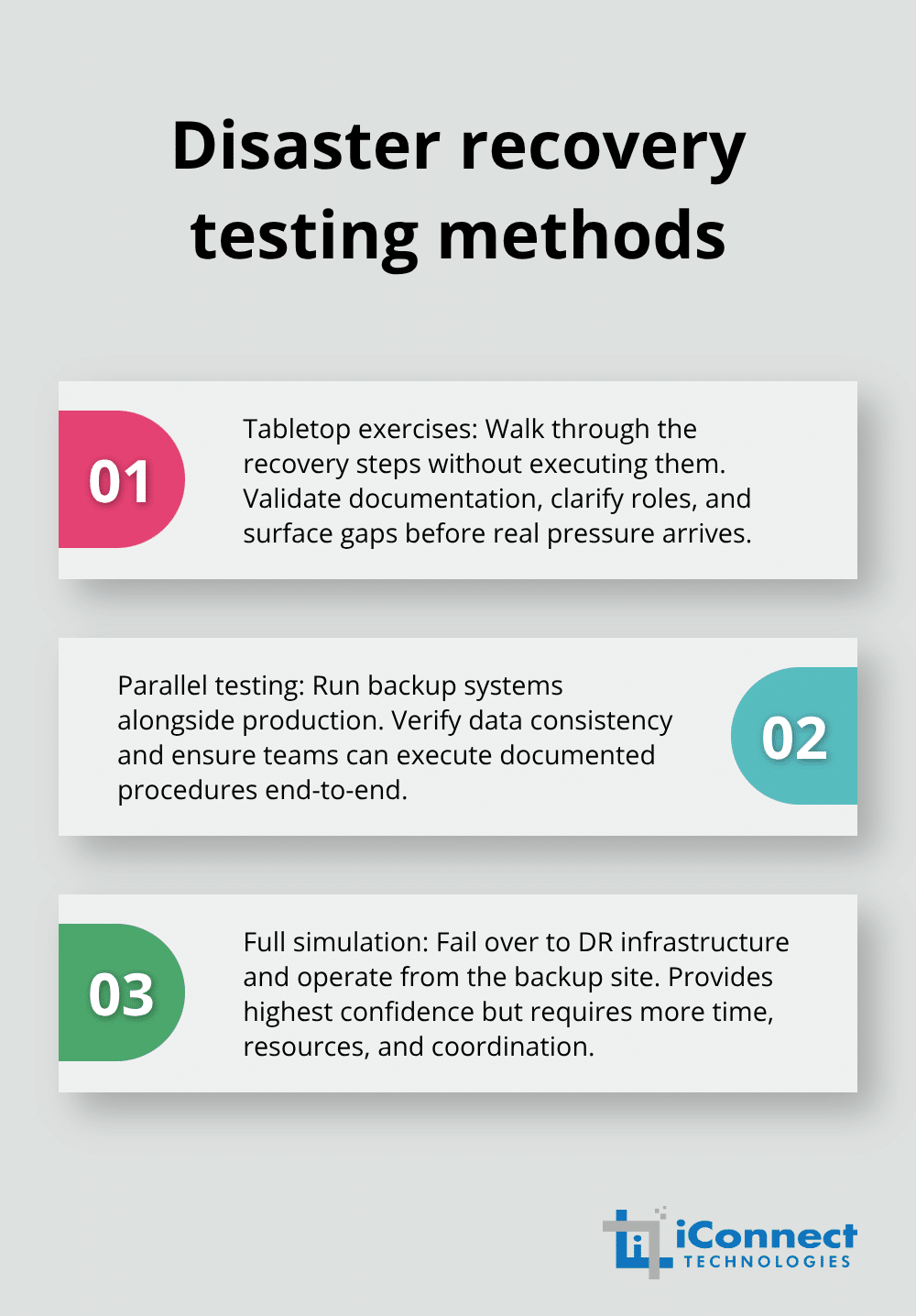
Full simulation testing, where you actually fail over to disaster recovery infrastructure and run operations from the backup site, provides the highest confidence but demands more time and resources. Schedule these tests at least annually and involve the people who will execute recovery during actual disasters, not just IT leadership.
Document Results and Refine Your Approach
Document exactly what succeeded and what failed, then update your plan based on reality rather than assumptions. Organizations with strong incident-response planning and regular testing saved significant costs compared with those lacking these practices, according to IBM’s Cost of a Data Breach Report. That measurable return justifies the time investment in testing. Update your plan whenever your business acquires new systems, changes vendors, relocates facilities, or modifies critical processes. A plan that reflects your current environment works; a plan describing yesterday’s infrastructure fails when you need it most.
Final Thoughts
Disaster recovery planning transforms uncertainty into preparedness and equips your team to act decisively when pressure arrives. You now understand why planning matters, what components your plan requires, and how to test whether it actually works when disaster strikes. Organizations with documented recovery procedures and regular testing save millions in costs and avoid the catastrophic failures that close businesses permanently.
Start your roadmap today by identifying your three most critical business functions and assigning realistic RTOs and RPOs to each. Document where your backups live, who owns each recovery step, and what procedures your team must follow, then schedule a tabletop exercise within 90 days to expose gaps before disaster strikes. Your business does not need enterprise-grade infrastructure or expensive managed services-small businesses succeed with straightforward approaches: regular backups stored offsite, clear documentation of recovery steps, assigned ownership for each critical function, and annual testing that confirms procedures actually work.
Consider partnering with disaster recovery experts who understand small business constraints and help you build a plan matching your budget and complexity tolerance. Whether you choose managed services, cloud-based solutions, or self-managed backups, the critical factor is having a tested plan your team can execute under stress. Your competitors who skip this preparation will face permanent closure when disaster strikes, while your business resumes operations and retains customers who depend on your reliability.