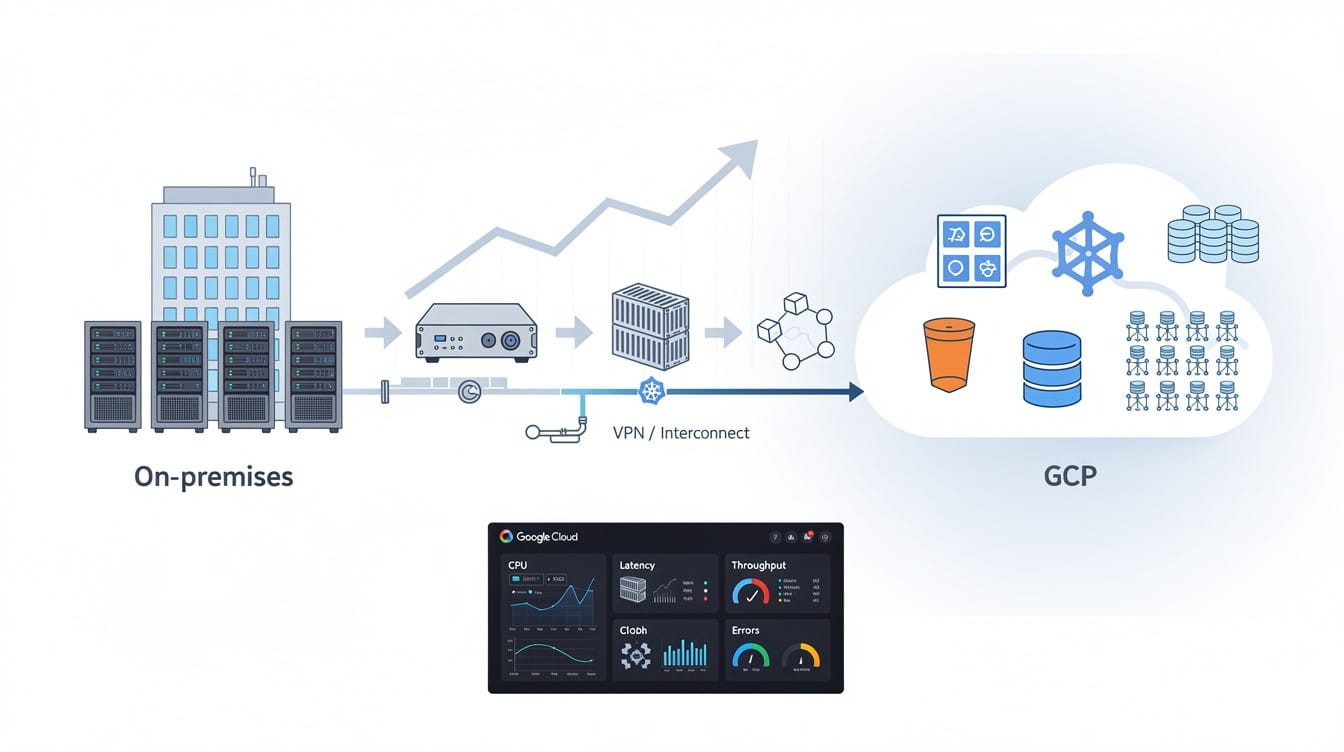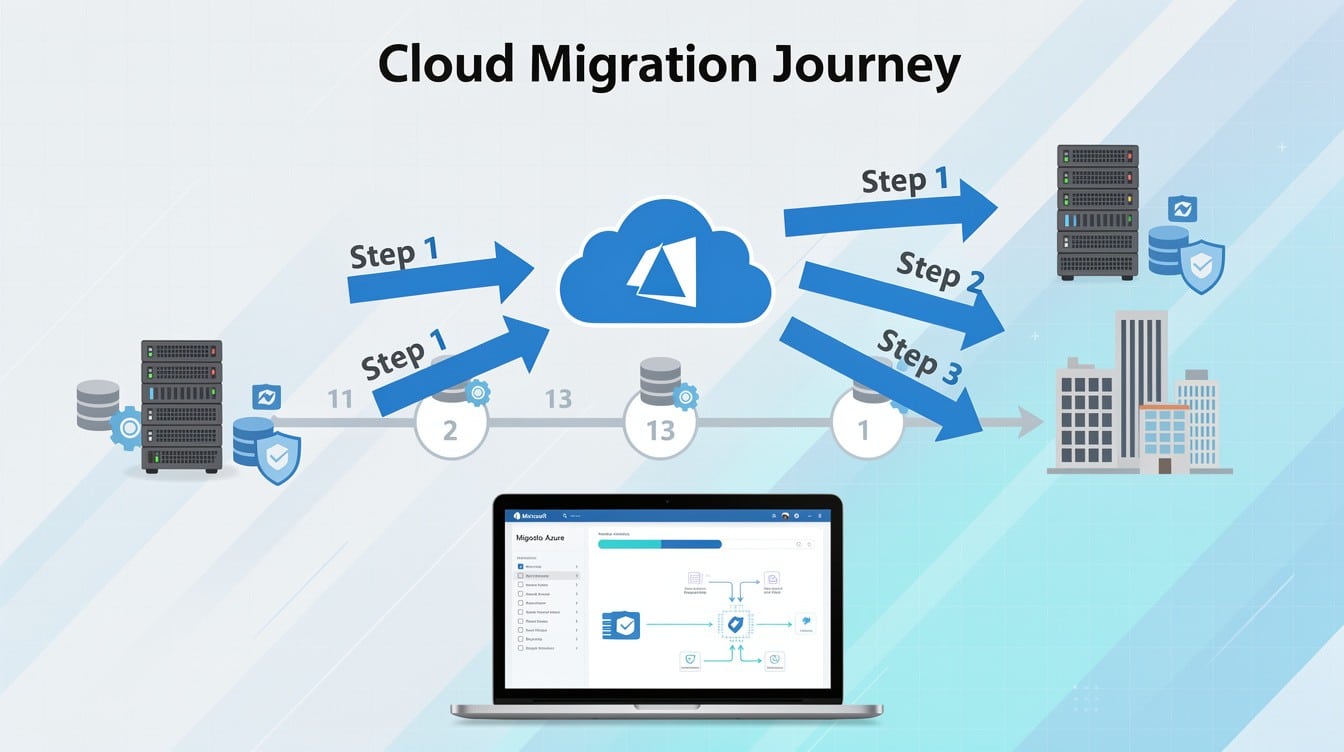
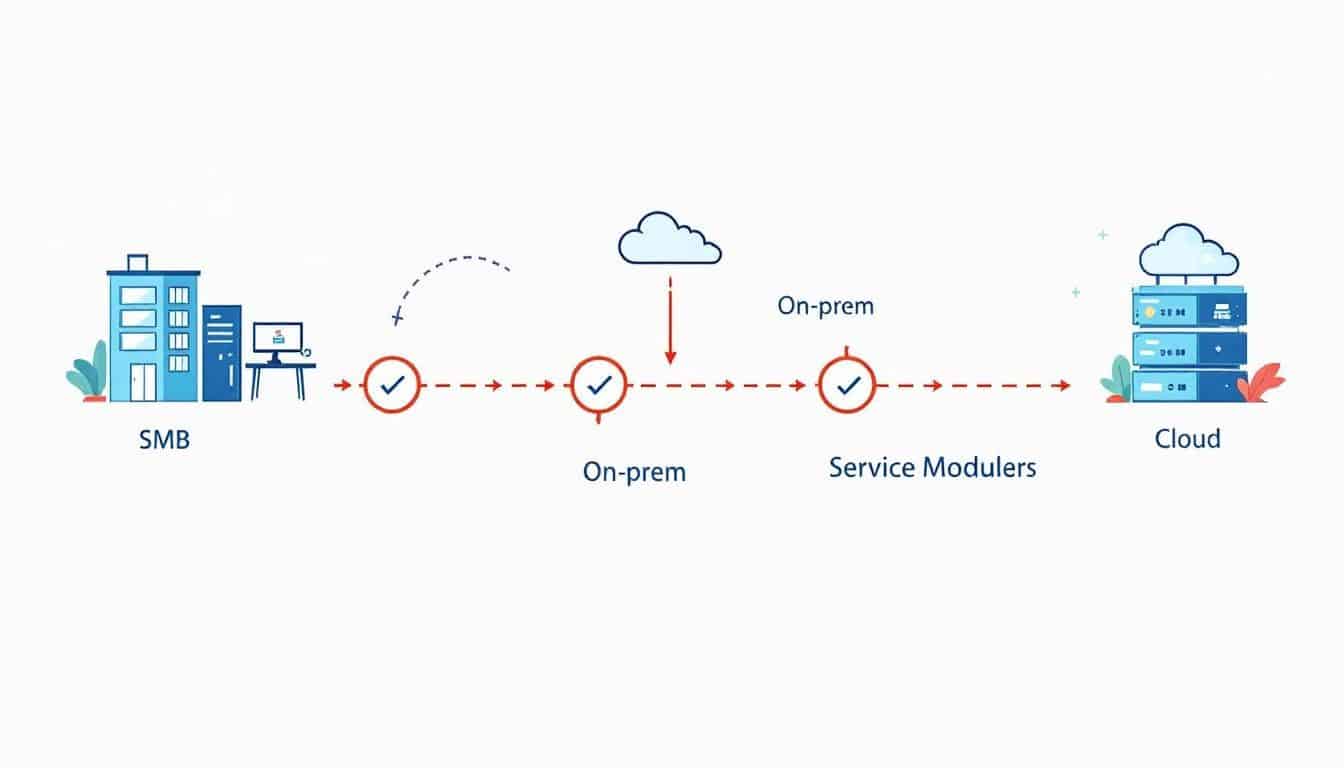
Small businesses face mounting pressure to modernize their IT infrastructure while managing tight budgets and limited resources. Cloud migration for SMBs offers a practical path forward, enabling you to reduce costs, scale operations, and strengthen security without the complexity of traditional on-premises systems.
This roadmap walks you through each stage of the migration process, from initial planning to successful implementation. You’ll discover how to overcome common obstacles and position your business for sustainable growth in an increasingly digital marketplace.
Why Cloud Migration Matters for Small Businesses
The Financial Case: From Capital to Operational Spending
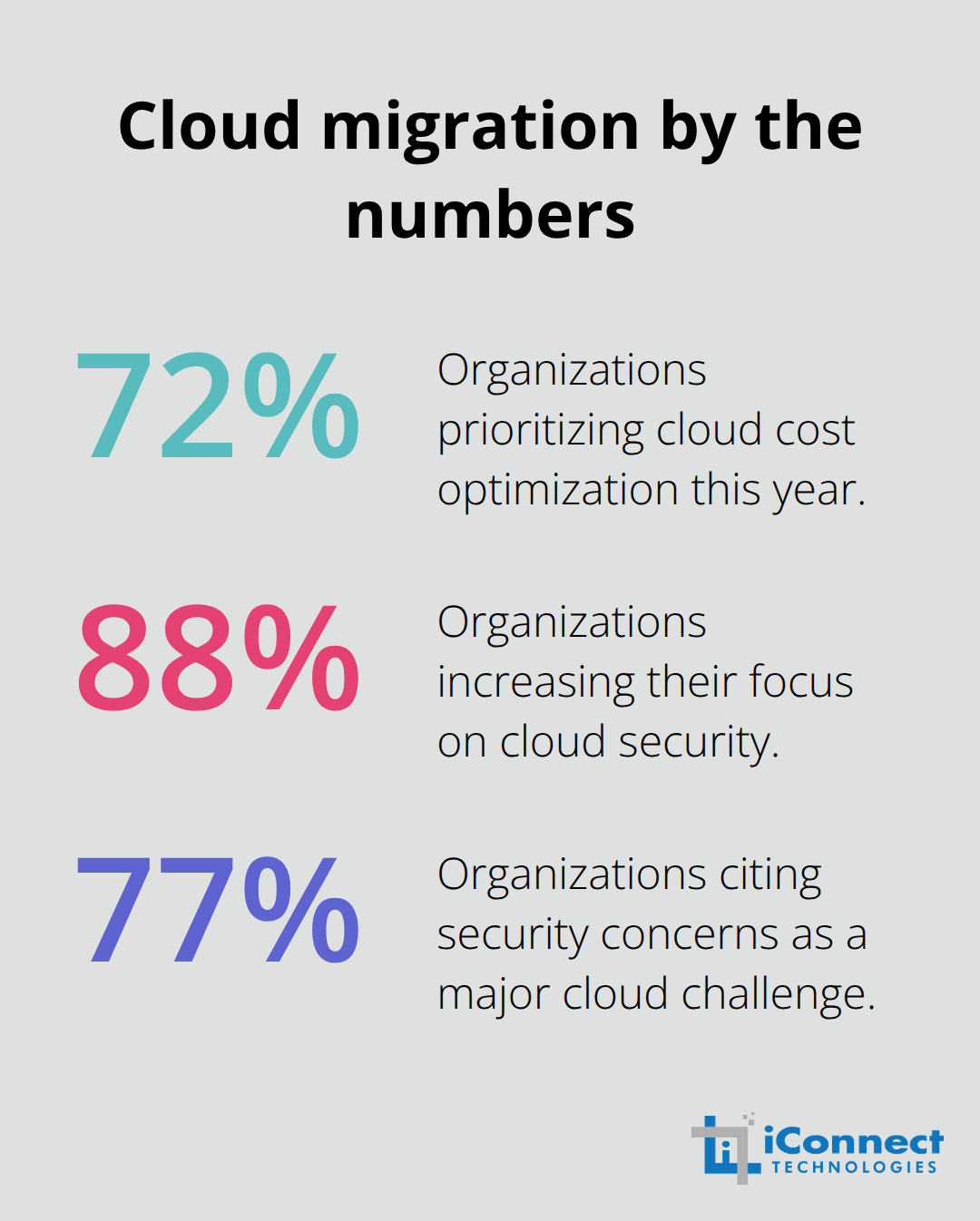
Cloud migration transforms how small businesses operate, shifting from expensive hardware investments to predictable monthly expenses. Rather than spending $15,000 to $50,000 on servers that become obsolete every five years, you pay only for what you use each month. According to Flexera research, 72% of organizations are prioritizing cloud cost optimization this year, and the trend among SMBs is even stronger. The shift from capital expenditure to operational expenditure makes your IT budget flexible and aligned with actual business needs. When demand spikes, you scale up instantly; when it drops, you scale down without waste.
Security That Exceeds On-Premises Capabilities
Cloud infrastructure delivers security capabilities that most SMBs cannot build independently. Hyperscale providers invest in infrastructure, including encryption, threat detection, and backup systems that exceed what a small IT team can maintain on-premises. Gartner data shows 88% of organizations are increasing their focus on cloud security, recognizing that managed providers offer better protection than self-managed systems. You gain automatic updates, compliance certifications like ISO 27001 and SOC 2, and disaster recovery built into your subscription rather than bolted on as an afterthought.
Operational Flexibility and Competitive Advantage
Your team stops managing servers and starts focusing on strategic initiatives that actually grow revenue. SMBs that migrate gain faster data access, improved remote collaboration, and the operational flexibility to respond to market changes in days rather than weeks. This financial model (combined with enhanced security and operational agility) justifies migration for most small businesses operating on tight margins. The competitive advantage is real: cloud adoption enables you to scale operations without large upfront hardware investments, reduce IT maintenance time, and support remote work more effectively than traditional on-premises infrastructure.
How to Plan Your Cloud Migration Without Wasting Time or Money
Start your migration with a ruthless inventory of what you actually run. Most SMBs discover they’re paying for servers and licenses they no longer use, duplicated systems across departments, and applications no one remembers installing. Spend one week documenting every server, application, database, and data store currently in production. Classify each item as critical to daily operations, important but not urgent, or nice-to-have that could be replaced with a cloud alternative. This classification directly shapes your migration sequence and budget.
Assess Your Current Environment and Dependencies
Critical systems move last after you’ve tested the process on less essential workloads. During this assessment phase, map data dependencies and workflows so a migration doesn’t accidentally break an integration between your accounting software and your CRM. Use cost-modeling tools like Infracost to forecast your actual cloud spending before selecting a provider, not after. This prevents the common SMB mistake of migrating blindly and discovering a $5,000 monthly bill that wasn’t projected. Tag each workload by compliance requirements too-healthcare systems need HIPAA-compliant infrastructure, payment processing needs PCI compliance-because choosing the wrong cloud model costs far more to fix later than it costs to get right initially.
Choose Between Public, Private, and Hybrid Cloud
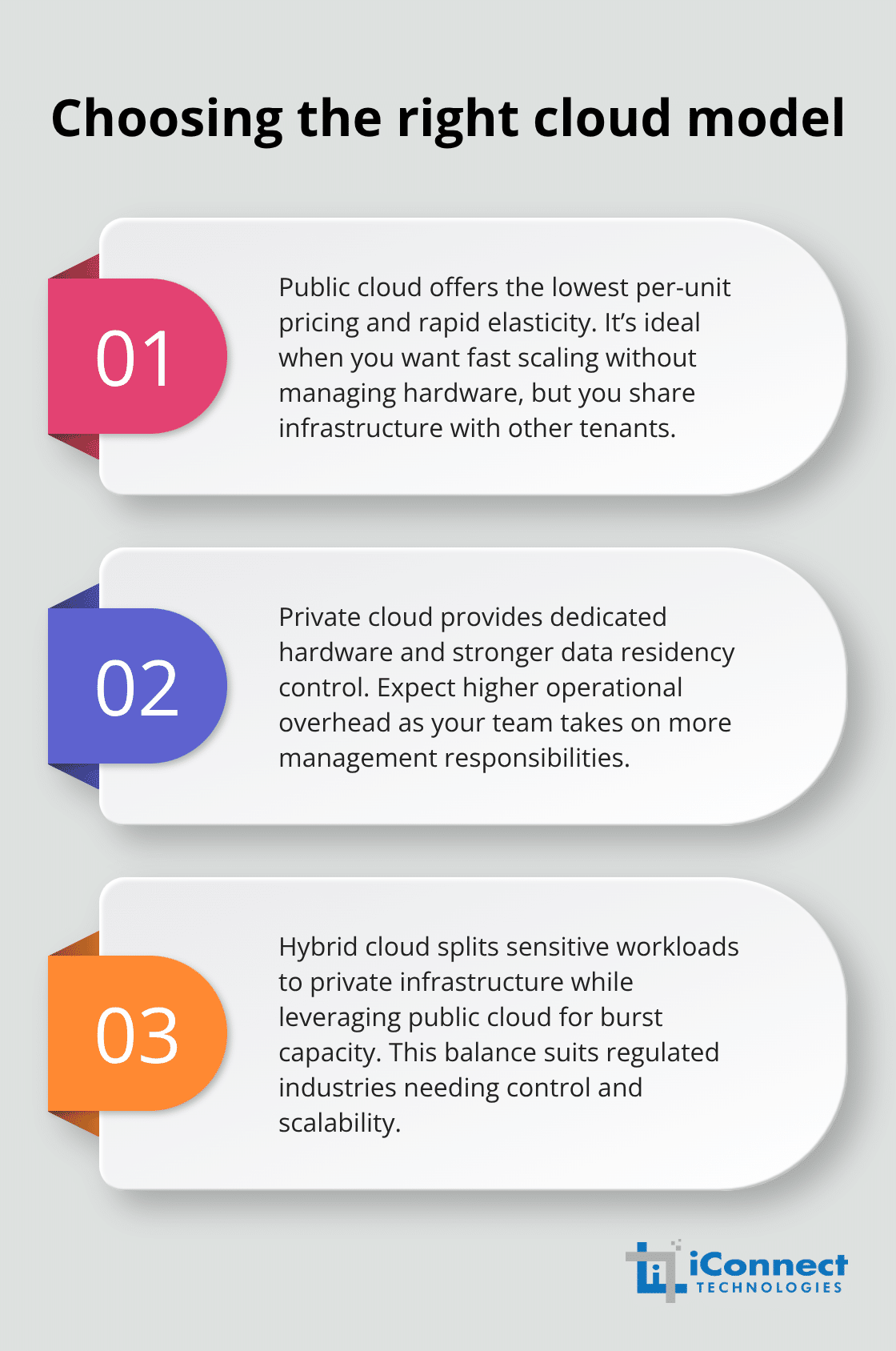
Your cloud model decision determines both your costs and your operational control. Public cloud (AWS, Azure, Google Cloud) offers the lowest per-unit pricing and fastest scaling because you share infrastructure with thousands of other companies. Private cloud gives you dedicated hardware and tighter data residency control but requires more operational overhead from your team. Hybrid cloud lets you run sensitive workloads on private infrastructure while scaling non-critical systems on public cloud-this approach suits regulated industries well.
A regional dental practice, for example, successfully hosted its appointment scheduler on public cloud for automatic scaling while keeping patient payment processing on a private subnet to meet PCI compliance. Choose your model based on three factors: compliance requirements, how much operational overhead your team can handle, and whether you need fast scaling or predictable, fixed costs. Then build a simple decision matrix comparing price, performance, security certifications like ISO 27001 and SOC 2, and data-center coverage across your shortlisted providers. Watch for hidden costs in the fine print-support contracts, outbound data transfer fees, and premium networking options often exceed the headline compute costs. Favor vendors offering built-in automated migration tools because they reduce human error and accelerate your data transfer timeline significantly.
Define Success Metrics and Rollback Plans
Define what success looks like before your first server moves to the cloud. Success metrics might include data integrity verified through checksums, performance variance staying under 5% compared to on-premises performance, zero compliance violations during migration, and achieving your projected cost savings within the first quarter. These metrics guide your testing approach and give you clear exit criteria for each migration wave. Develop a rollback plan with specific snapshot points, tested rollback scripts, and a communication tree for each phase so you can revert to on-premises systems quickly if something fails. Execute a pilot migration first on a non-critical workload-test data integrity, measure performance changes, and verify compliance alerts don’t trigger unexpectedly. Store all migration scripts in version control so your team can repeat and refine the process as you move toward full-scale migration. With these foundations in place, you’re ready to evaluate specific cloud providers and finalize your vendor selection.
Common Challenges and How to Overcome Them
Cloud migrations fail not because the technology is flawed but because teams underestimate three critical operational risks: downtime that kills revenue, security gaps that expose data, and staff confusion that creates costly mistakes.
Prevent Unplanned Downtime and Revenue Loss
Unplanned downtime destroys SMB credibility instantly. A boutique clothing store that migrated its inventory system during business hours lost three days of sales and customer orders because no one tested the cutover sequence. Instead, schedule your migration during off-hours or use a staged approach where you run both systems in parallel for 48 to 72 hours before fully switching traffic. This parallel-run method costs slightly more in temporary infrastructure but eliminates the catastrophic failure scenario entirely.
Define your acceptable downtime window before migration begins-most SMBs can tolerate two to four hours of downtime on a weekend, but zero-downtime migrations exist for critical systems and require database replication tools and load balancers that add cost and complexity. Test your cutover plan in a staging environment that mirrors production exactly, then execute it on a non-critical workload first. Store all migration scripts in version control and walk through them with your entire team before go-live so nobody improvises during the actual migration.
Secure Data Throughout the Transition
Encryption in transit and at rest protects your data during migration, along with strict access controls limiting who touches data during migration, and continuous monitoring that alerts you immediately if something moves unexpectedly. According to Flexera research, 77% of organizations cite security concerns as a major cloud challenge, yet most SMBs migrate without encrypting data in flight or restricting access to migration tools.
Enforce multi-factor authentication for anyone accessing the migration environment, use least-privilege access so team members see only the data they need, and schedule quarterly backup testing before, during, and after migration to verify nothing corrupts. These controls protect sensitive information and maintain compliance throughout your transition period.
Address Staff Resistance and Skill Gaps
Staff resistance and skill gaps emerge when your team lacks cloud platform experience and suddenly must manage Azure or AWS without training. Upskill your staff immediately using vendor certification paths like AWS Skill Builder or Microsoft Learn, allocate 20 to 40 hours per person for hands-on labs, and pair junior staff with cloud-certified contractors during the first three months post-migration so knowledge transfers directly.
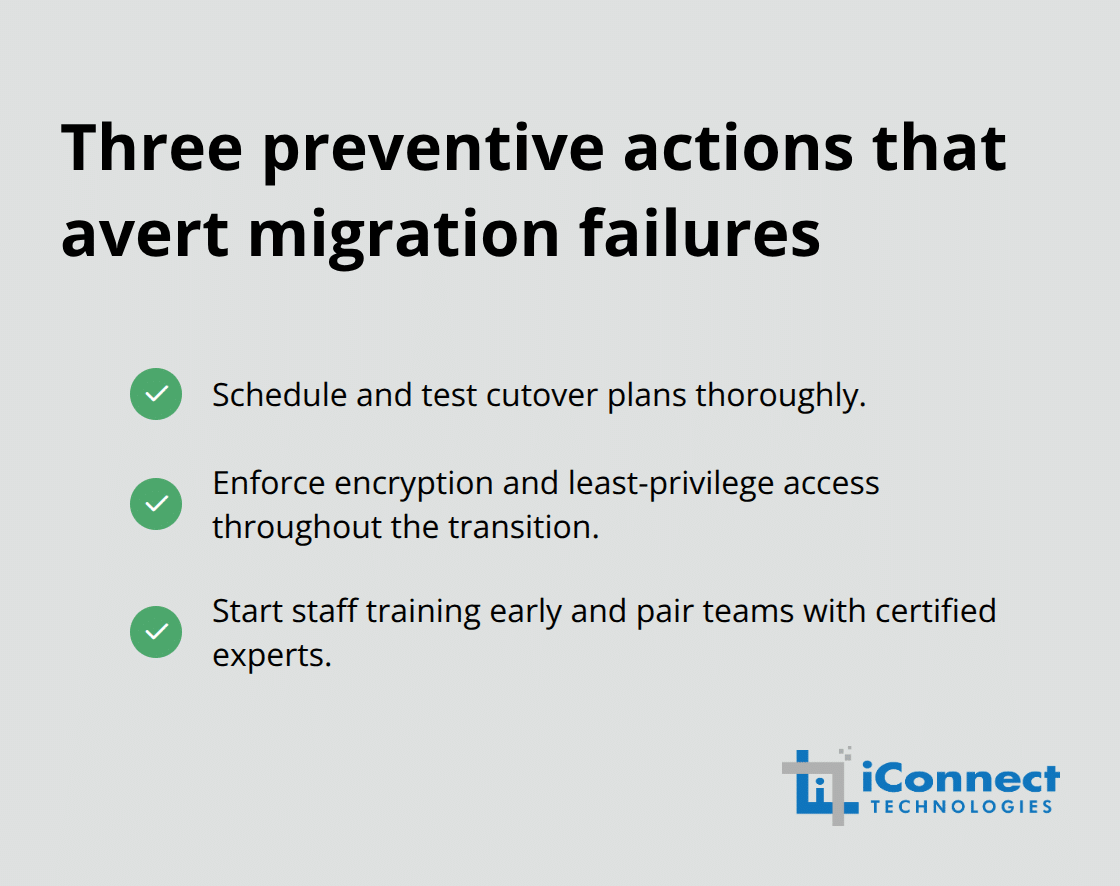
Communicate the migration timeline and expected disruptions repeatedly across your organization at least four weeks before go-live, assign a dedicated migration lead with decision-making authority, and hold weekly status meetings where problems surface immediately rather than festering into failures. These three preventive actions-scheduled, tested cutover plans; encryption and access controls throughout transition; and early staff training-eliminate most migration disasters before they happen.
Managed IT services can also help bridge skill gaps by providing expert guidance and support during your cloud transition.
Conclusion
Cloud migration for SMBs transforms how small businesses operate, but success depends on executing a clear, methodical plan rather than rushing into the cloud unprepared. The roadmap outlined here-starting with a thorough assessment, choosing the right cloud model, defining success metrics, and addressing common obstacles head-on-reduces risk and positions your business for sustainable growth. Your migration journey continues through ongoing optimization, cost monitoring, and security refinement as your cloud environment matures.
Start your cloud migration with a single decision: commit to the assessment phase and document what you actually run. Spend one week inventorying servers, applications, and databases; classify them by criticality and compliance needs; and use cost-modeling tools to forecast your monthly cloud spending. Schedule a meeting with your finance and IT leadership to align on business goals-whether that’s reducing hardware costs, enabling remote work, improving disaster recovery, or scaling operations without large upfront investments.
iConnect Technologies specializes in guiding SMBs through cloud migration with a proven two-stage approach: comprehensive assessment and discovery followed by careful planning and execution. Our team handles the technical complexity while your staff focuses on running your business, and we provide 24/7 monitoring and ongoing optimization after migration completes. Contact us today to discuss your cloud migration strategy and discover how we can accelerate your path to modernization.