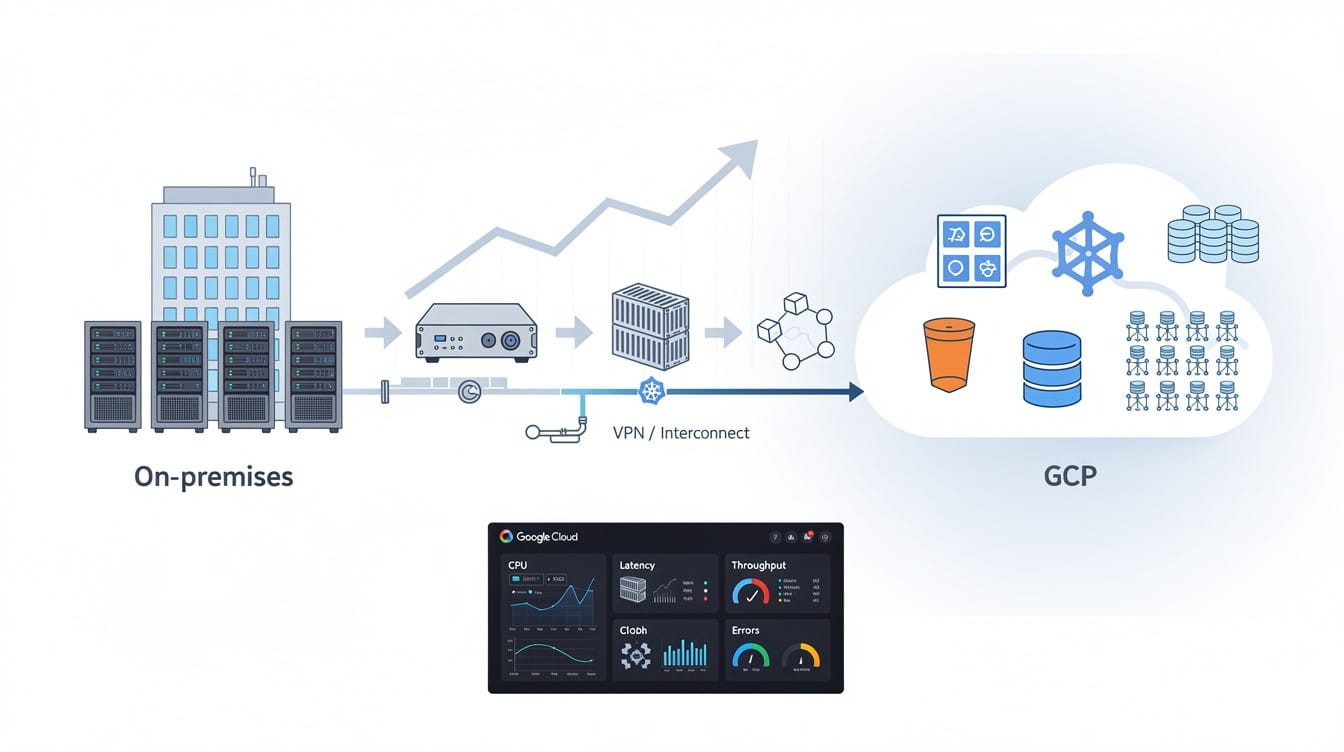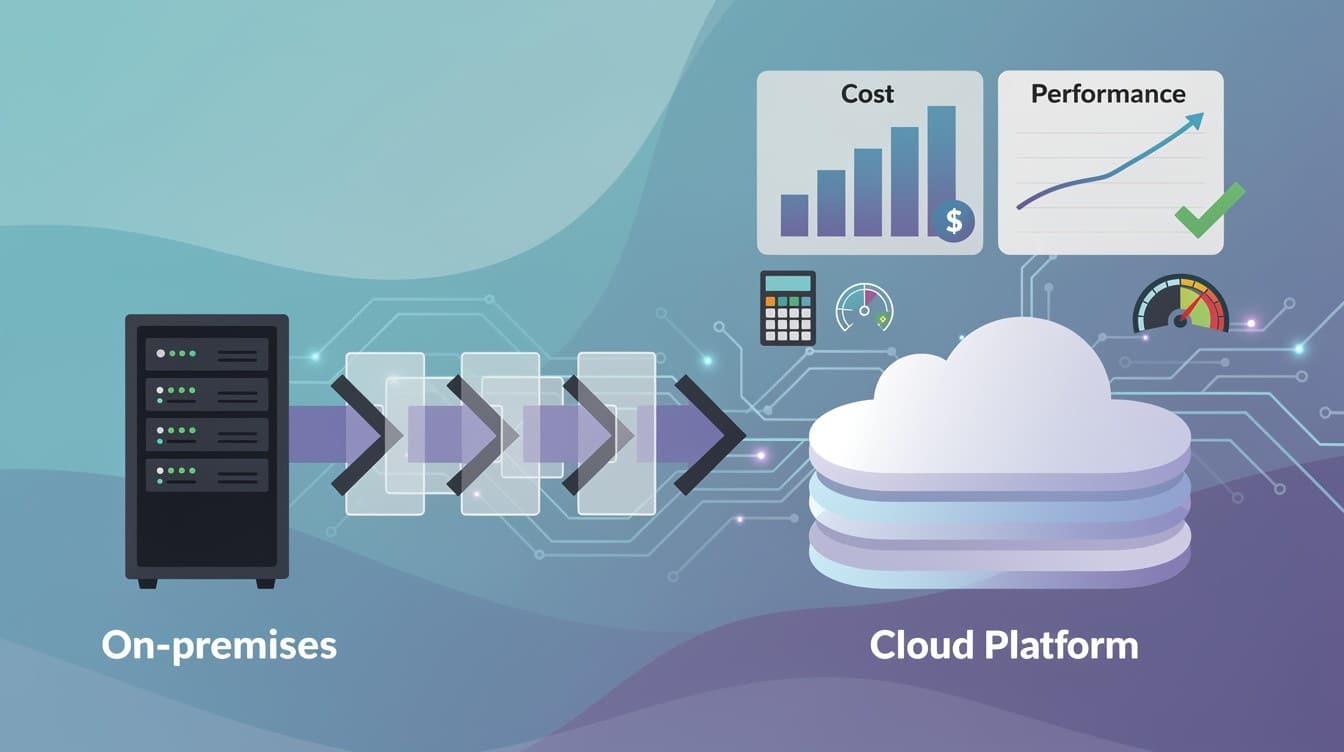
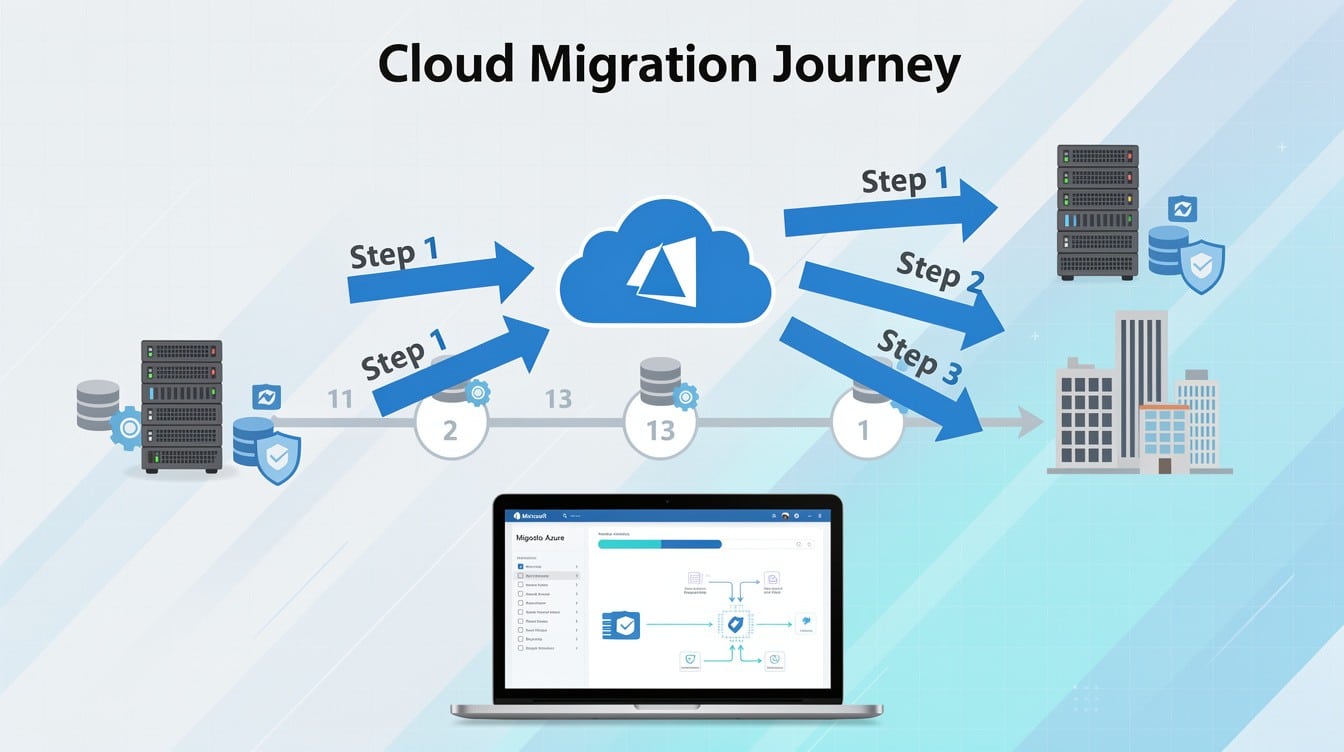
Moving your business to the cloud doesn’t have to be overwhelming. Azure migration for businesses offers a clear path to reduce costs, scale operations, and strengthen security-but only when you have the right roadmap.
This guide walks you through each phase of the migration process, from initial planning to successful deployment. You’ll learn how to assess your current environment, choose the right tools, and execute your move with confidence.
Why Azure Migration Matters
Cost Reduction Through Operational Efficiency
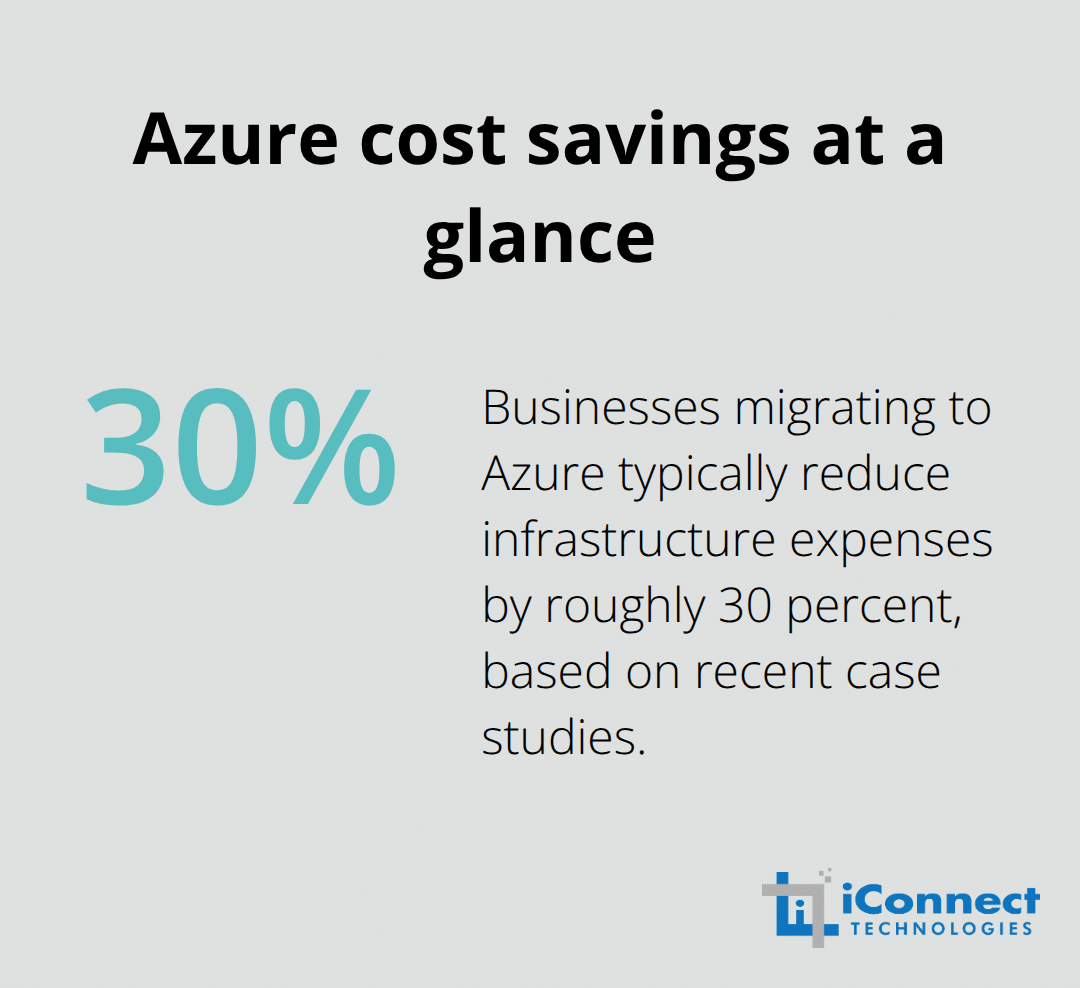
The cost difference between maintaining on-premises infrastructure and running workloads on Azure is substantial. Organizations that migrate to Azure typically reduce infrastructure expenses by roughly 30 percent according to recent case studies. The shift from capital expenditure to operational expenditure means you stop purchasing expensive hardware and pay only for what you actually use each month.
This flexibility improves your cash flow immediately-no more large upfront investments in servers that sit idle during slow periods. Azure’s pricing model includes tools like Azure Cost Management that let you track spending in real time and identify waste before it becomes a budget problem.
Scalability Without Infrastructure Projects
Scalability on Azure works differently than on-premises setups. You can adjust resources up or down in minutes to match demand fluctuations, which means you avoid the trap of overprovisioning capacity you might never need. A retail business handling seasonal spikes or a SaaS company experiencing rapid growth can scale without painful infrastructure projects or months of procurement delays. This responsiveness transforms how you respond to market opportunities and customer demand.
Security and Compliance Built Into the Platform
Security and compliance represent another critical advantage that goes beyond what most small businesses can build internally. Azure maintains service level agreements commonly at 99.9 percent or 99.95 percent availability, and the platform includes built-in multi-layer security with AI-driven threat monitoring that would cost significantly more to replicate on-premises. For businesses subject to regulations like GDPR, HIPAA, or ISO/IEC 27001, Azure provides extensive compliance certifications already in place, meaning you inherit security controls rather than building them from scratch. Microsoft invests billions annually in security infrastructure, which small business owners typically cannot match with their own IT teams and budgets.
Enabling Modern Work and Innovation
The practical reality for business owners is that Azure migration removes the operational burden of managing physical infrastructure while delivering reliability and security that exceed what most on-premises environments achieve. You gain the ability to experiment with emerging technologies like AI through services running natively on Azure without requiring massive infrastructure investments. Remote work becomes genuinely secure through Azure Virtual Desktop, allowing your team to access applications from any device without complex VPN setups or expensive remote infrastructure.
Validating Your Business Case Before Commitment
The migration path itself is designed for businesses of all sizes, with tools like Azure Migrate providing free discovery and assessment of your current environment before you commit to anything. You can validate the business case with concrete numbers about your specific workloads, costs, and timeline before moving forward with implementation. This assessment phase removes uncertainty and helps you understand exactly what your migration will deliver. With these benefits clear, the next step is to develop a migration strategy that aligns with your specific business needs and operational constraints.
Building Your Migration Blueprint
Map Your Current Environment with Precision
A migration without clear assessment resembles boarding a plane without knowing your destination. The first critical step involves mapping your current IT environment in detail-not just listing servers, but understanding application dependencies, data volumes, performance bottlenecks, and integration points that will affect your migration strategy. Azure Migrate, Microsoft’s free discovery and assessment tool, scans your on-premises infrastructure to identify which workloads are cloud-ready, which require optimization, and which might need architectural changes. This assessment reveals realistic cost savings for your specific situation rather than relying on industry averages.
Many business owners skip this phase and regret it later when hidden dependencies surface mid-migration, causing delays and unexpected costs. You should also classify your workloads by business criticality and technical complexity during this phase-a mission-critical ERP system demands different handling than a legacy file server that you could decommission entirely.
Define Measurable Goals and Realistic Timelines
Once you understand what you have, define specific, measurable migration goals that go beyond vague aspirations like reduce costs. Instead, target concrete outcomes: reduce hosting costs by 25 percent within 18 months, enable secure remote access for all employees within Q3, or improve application performance by 40 percent. These measurable goals guide every decision throughout your migration and provide clear success metrics afterward.
Your timeline should reflect reality, not wishful thinking. Phased migrations that move less-critical workloads first typically succeed better than big-bang approaches that attempt everything simultaneously. A realistic timeline also allows your team to learn Azure fundamentals without drowning in change, reducing the risk of misconfiguration and security gaps.
Select the Right Migration Strategy for Each Workload
The right migration approach depends on your specific workloads and business constraints rather than following a one-size-fits-all formula. Rehost migrations, often called lift-and-shift, move existing servers to Azure with minimal changes and deliver the fastest time-to-value-ideal for workloads you want operational quickly but not optimized for cloud economics. Refactor approaches make targeted improvements to applications or configurations before migration, allowing them to run efficiently on cloud-native platforms like Azure App Service or containers, delivering better long-term cost performance than rehost. Rearchitect strategies rebuild applications from the ground up for maximum cloud benefit, offering superior scalability and automation but requiring significantly more effort and expense.
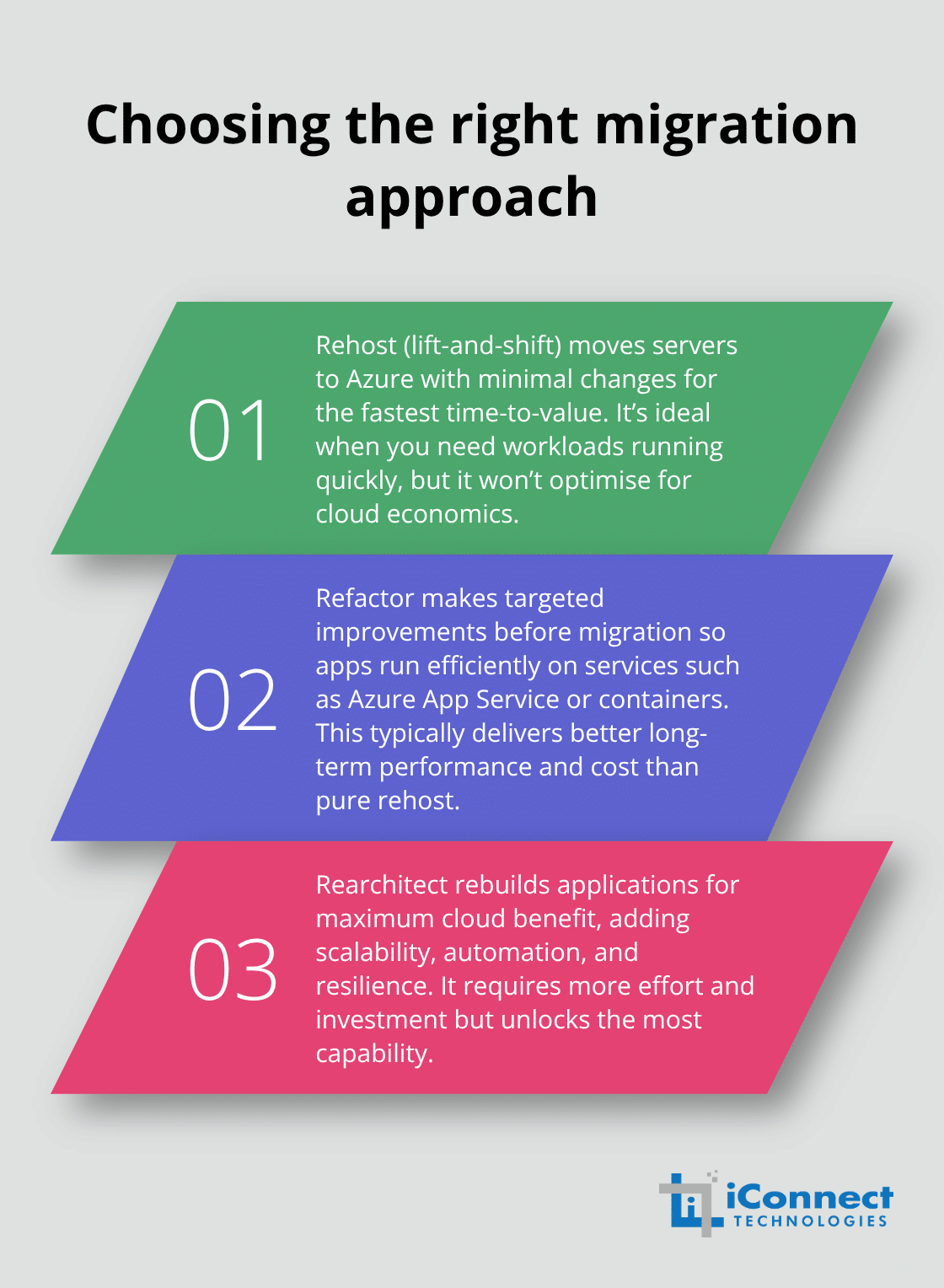
Most businesses benefit from a mixed approach: rehost stable legacy systems that require minimal changes, refactor mid-tier applications where modest improvements unlock cloud benefits, and rearchitect only critical systems where cloud-native capabilities deliver measurable business value. A qualified migration partner should help you evaluate each workload against these criteria rather than pushing a single strategy across all applications.
Account for Compliance and Security Requirements
The assessment phase also reveals compliance and security requirements that constrain your choices. A healthcare application handling HIPAA data cannot simply be rehosted on standard Azure infrastructure without specific compliance configurations, while a non-critical web portal might be migrated in days. These regulatory and security considerations shape which migration strategy works for each workload and which Azure services you must implement.
This detailed blueprint prevents costly rework, reduces migration risk, and ensures your team has realistic expectations about timeline, cost, and operational impact. With your assessment complete and strategy defined, you now move into the execution phase where you prepare your infrastructure and begin the actual transition to Azure.
Executing Your Azure Migration
Prepare Your Infrastructure Before Migration Begins
Your Azure infrastructure must be ready before your first workload arrives, which means you need to build a landing zone that follows security and governance best practices from day one. This isn’t optional infrastructure-it’s the foundation that determines whether your migration succeeds or creates operational chaos.
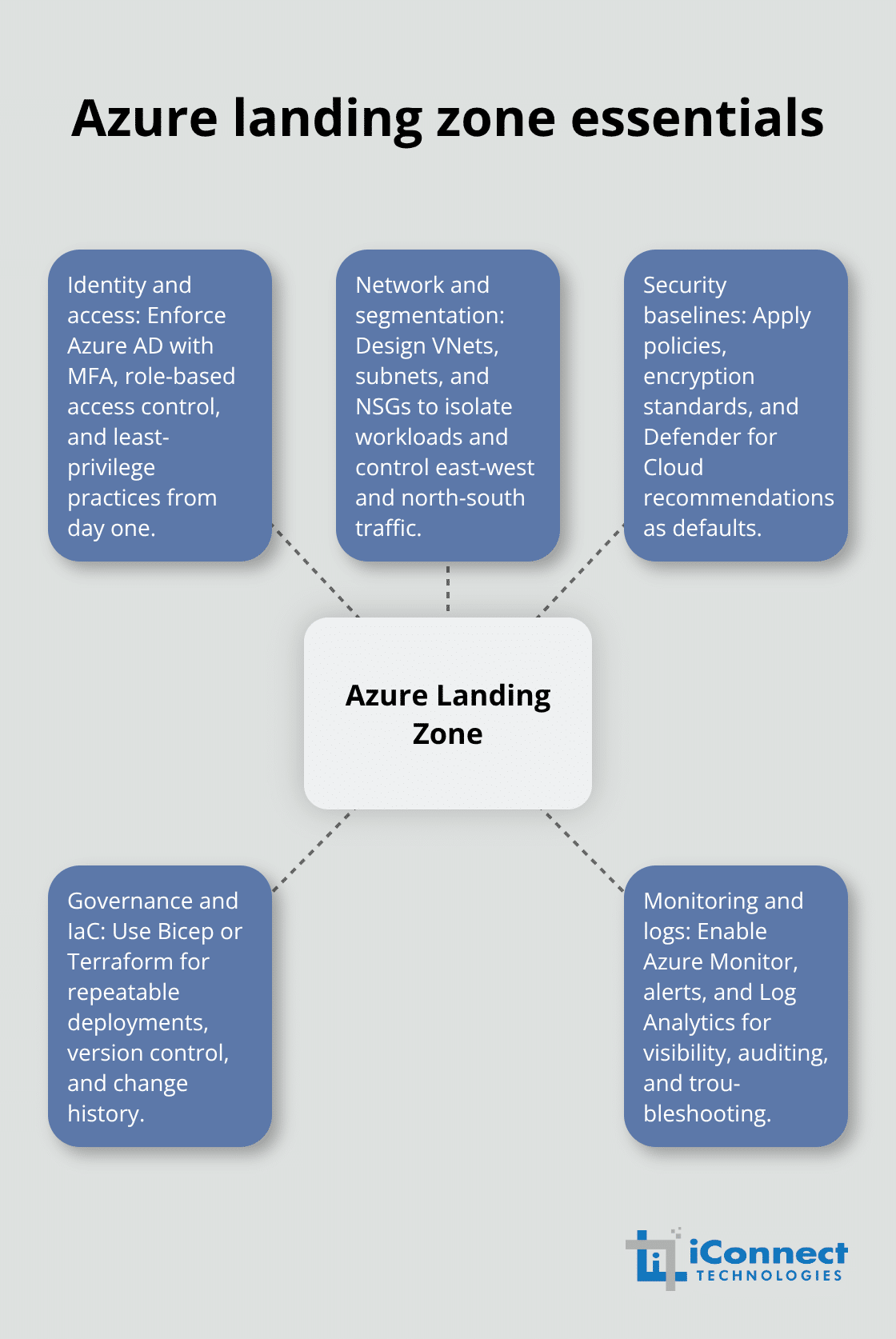
You should create resource groups, virtual networks, and security baselines using Infrastructure as Code tools like Bicep templates rather than clicking through the Azure portal manually. This approach eliminates human error, ensures consistency across your environment, and creates documentation that your team can version-control and reuse.
You must set up Azure Active Directory with multi-factor authentication enforced immediately, then configure network security groups and encryption standards before migrating any data. If your business handles regulated data like healthcare records or financial information, you need to incorporate compliance requirements into this landing zone setup-GDPR, HIPAA, or ISO/IEC 27001 controls should be built in, not added afterward as expensive rework. Many businesses skip proper landing zone preparation and regret it within weeks when they discover security gaps or governance problems that force them to rebuild their Azure environment. You can use Azure Blueprints to establish these baselines rapidly rather than building everything manually, which reduces setup time from days to hours while ensuring nothing gets missed.
Execute Your Migration in Phases
The actual migration of applications and data demands a phased, sequenced approach that prioritizes non-critical workloads first. You should start with less-critical applications that your business can tolerate losing for a few hours if something goes wrong-this pilot migration teaches your team how Azure works without betting your entire operation on the first attempt. You can use Azure Migrate for agentless or agent-based replication depending on your environment, and for databases specifically, Azure Database Migration Service is a fully managed service designed to enable seamless migrations from multiple database sources to Azure Data platforms.
Plan for each migration to take longer than you expect because hidden dependencies always surface during execution-your ERP system might depend on a file server you forgot existed, or critical integrations might need reconfiguration in Azure. You should test everything in a production-like environment before switching your actual users over, which means you run backups, validate recovery procedures, and confirm performance under realistic load. When you execute a cloud-first strategy with proper planning, you can achieve 15 to 30 percent additional savings beyond the initial migration cost reductions when you right-size your resources after migration (choosing the correct VM sizes and storage tiers for actual usage patterns).
Monitor Progress and Maintain Communication
You must monitor progress with Azure Monitor, establish alerts for failed backups or unusual resource consumption, and maintain clear communication with your teams about what’s happening and when their applications will be unavailable. The migration itself moves faster than the validation phase because thorough testing prevents the catastrophic failures that derail migrations and destroy business confidence in cloud infrastructure.
Final Thoughts
Your Azure migration for businesses represents more than a technical project-it transforms how your company operates and competes in the market. Post-migration optimization determines whether you achieve the full financial and operational benefits your migration promised, so establish baseline cost metrics immediately after migration and review them monthly to identify idle resources or opportunities to shift workloads to more economical pricing tiers. Azure Cost Management provides visibility into spending patterns and automated recommendations, but these tools only work if someone on your team actively reviews them and acts on the insights.
Ongoing security and governance require the same attention you invested during planning and execution. Your Azure environment will evolve as your business grows, new applications arrive, and regulatory requirements change, so implement continuous monitoring with Azure Monitor and establish regular reviews of your security posture using Microsoft Defender for Cloud. Assign clear ownership for cost management, security updates, and compliance verification so these critical functions don’t fall through the cracks as your team moves on to other priorities.
Consider engaging experienced cloud migration partners for ongoing support rather than attempting everything internally (these partners bring expertise in Azure optimization, cost management, and security hardening that typically pays for itself through improved efficiency and reduced risk). Contact our team for ongoing optimization support and build sustainable operations that deliver value month after month.