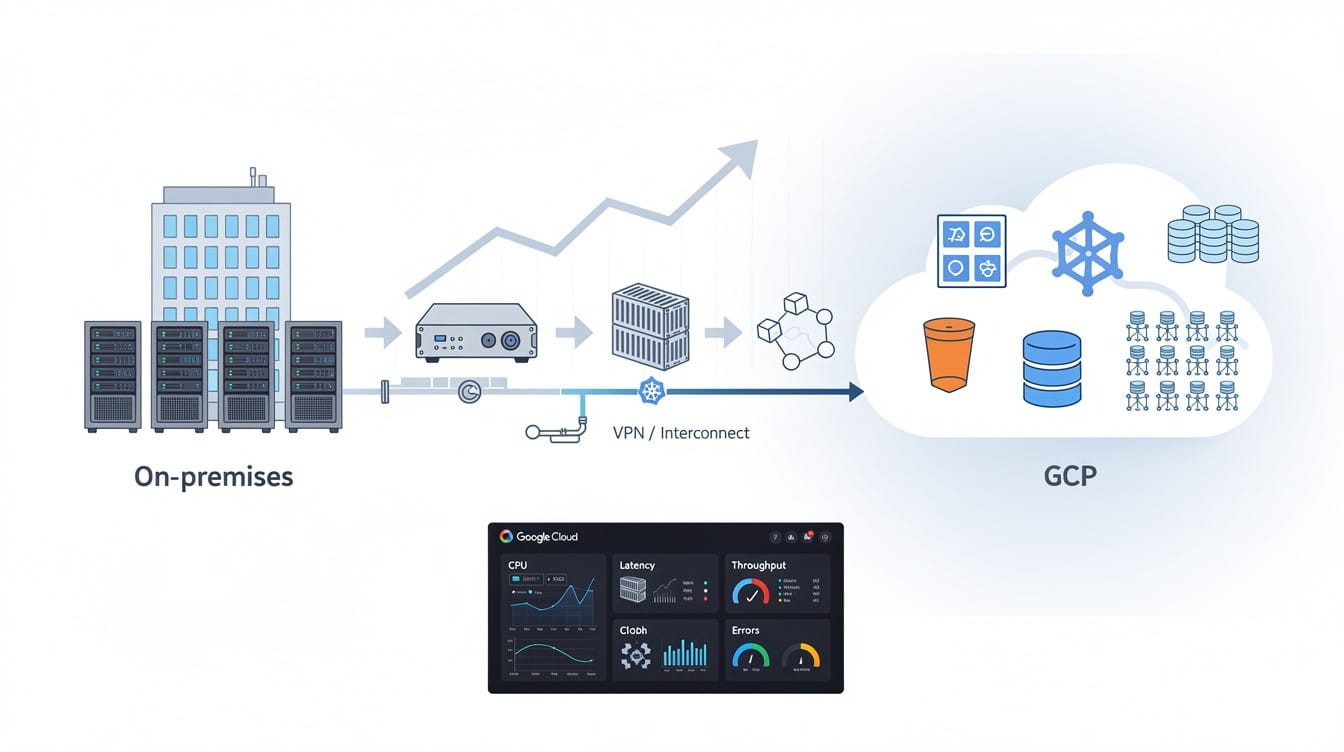
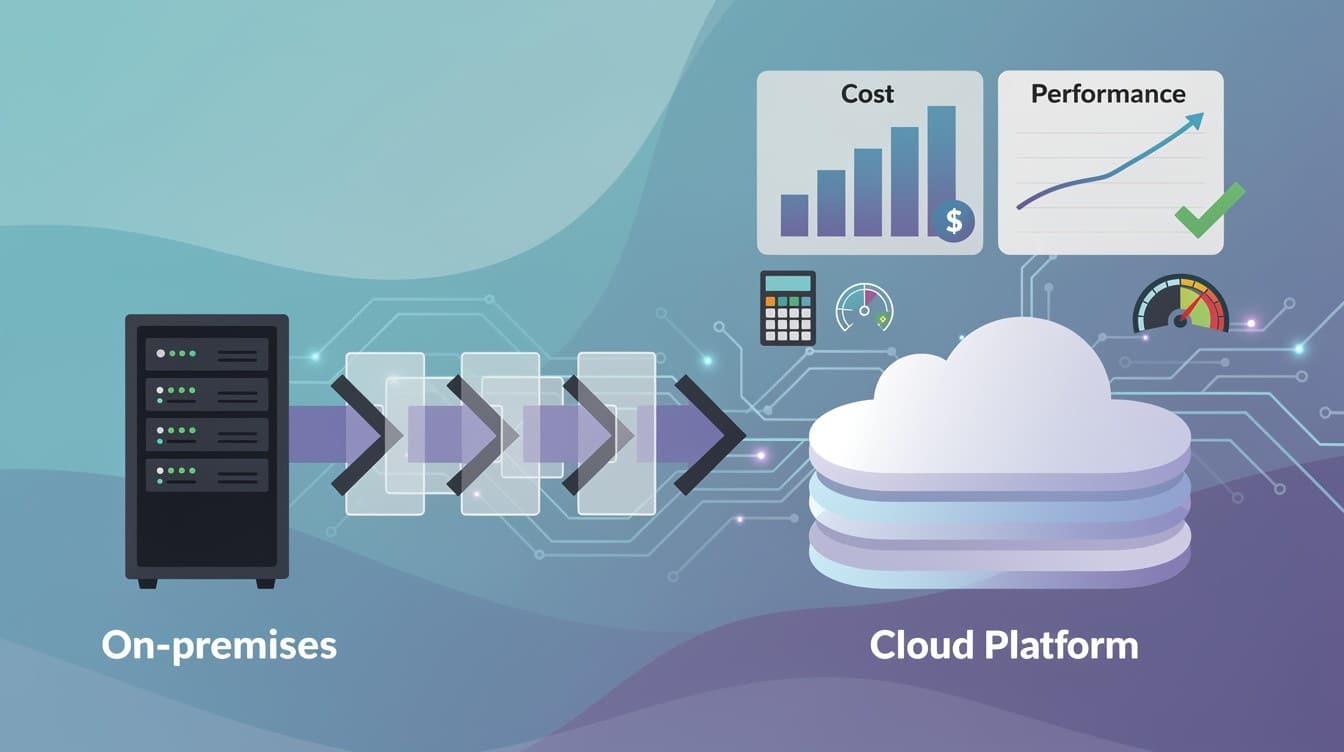
Moving to the cloud promises flexibility and scalability, but the costs can quickly spiral out of control. Many small business owners face unexpected expenses during migration-from infrastructure setup to data transfer fees-without knowing where to cut corners.
Cloud migration cost optimization doesn’t mean settling for slower systems or reduced capabilities. This guide shows you how to lower expenses while maintaining the performance your business depends on.
Where Your Cloud Migration Budget Actually Goes
Infrastructure Setup: The Largest Expense
Infrastructure setup can range from $20,000–$100,000 for small workloads to multi-million-dollar programs for enterprise migrations. This covers compute instances, storage capacity, networking infrastructure, and initial cloud environment configuration. Small business owners often underestimate these costs because they assume cloud pricing scales linearly with usage, when in reality the first months demand heavy upfront investment in foundational resources. The complexity multiplies when you account for redundancy, disaster recovery capacity, and security infrastructure that production environments require from day one.
Data Transfer and Integration Fees
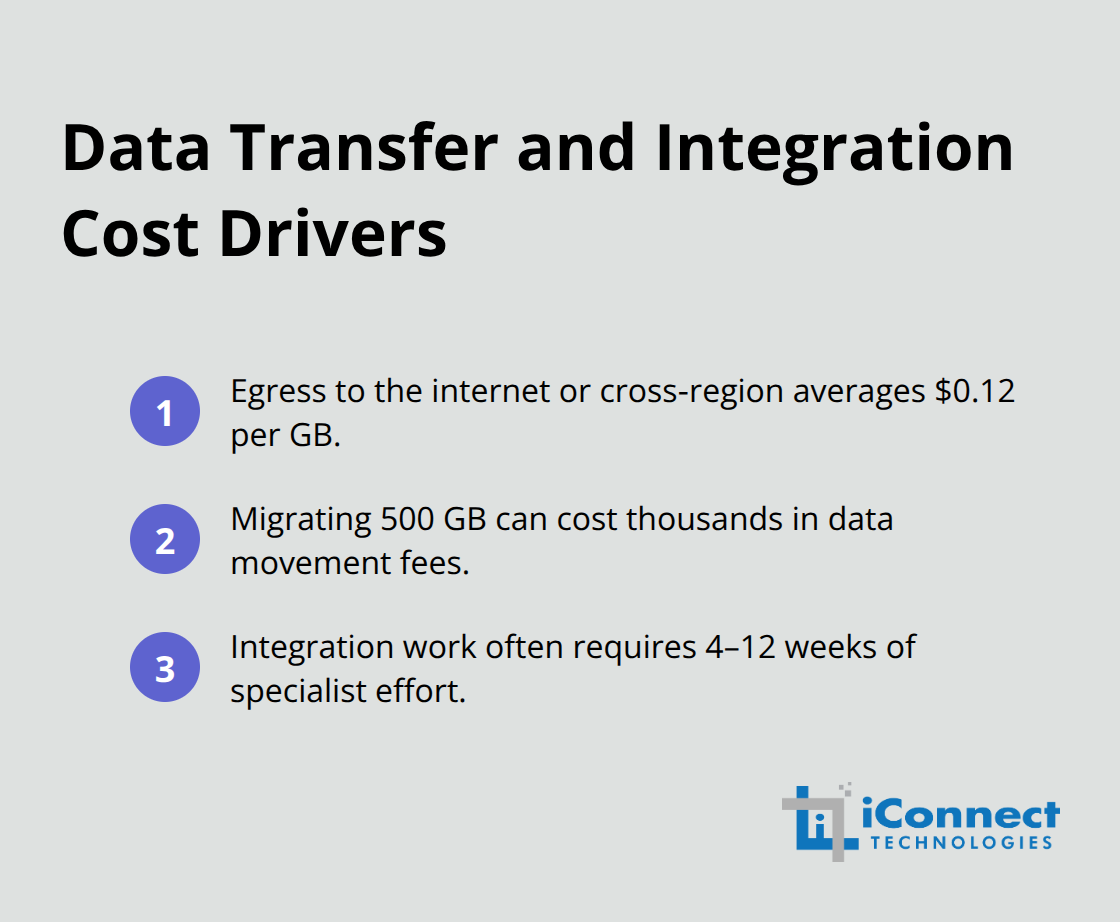
Data transfer fees compound infrastructure expenses significantly. The export rate is around $0.12 per GB to the internet or cross-region, and these egress charges often surprise business owners who discover them only after migration begins. A 500 GB database migration can easily cost thousands in data movement fees alone, and that’s before integration work begins. Integration expenses emerge when your existing systems must connect to cloud services, requiring API development, middleware configuration, and custom connectors that typically demand specialist expertise for 4 to 12 weeks of work.
Professional Services and Training Investments
Professional services and training represent hidden costs that derail budgets if you don’t plan for them. Migration consultants, cloud architects, and implementation specialists charge between $150 and $400 per hour, and a typical small business migration requires 200 to 500 hours of professional engagement. Training your team on new cloud platforms, security protocols, and cost management tools adds another 50 to 100 hours of instructor-led or online courses. These costs cluster in the first 90 days of migration, creating cash flow pressure precisely when your organization needs flexibility most.
Viewing Upfront Costs as Strategic Investments
Treat these expenses as investments in avoiding far costlier mistakes rather than fixed line items. Migrations rushed without proper planning or training consistently result in overprovisioned resources, misconfigurations that inflate monthly bills, and security vulnerabilities that demand expensive remediation later. Organizations that manage migration costs most effectively spend deliberately upfront on skilled professionals and comprehensive training, then implement governance and monitoring from day one to prevent the sprawl and waste that typically plague the months following go-live. This disciplined approach transforms your initial budget into a foundation for sustainable cloud economics.
Understanding where your budget actually goes sets the stage for the cost reduction strategies that follow. The next section explores how to right-size your resources and leverage pricing models that align your cloud expenses with actual business needs.
How to Cut Cloud Costs Without Compromising Performance
Right-Size Your Infrastructure Immediately
Right-sizing your cloud infrastructure recovers budget without touching performance. Most small businesses migrate using a lift-and-shift approach, copying their on-premises setup directly into the cloud without adjusting for actual usage patterns. This creates massive waste within weeks. Analyze your current workload consumption for 30 days after migration goes live. If your database server runs at 15 percent CPU utilization but you provisioned a large instance, downsize immediately to a medium instance and watch performance metrics closely. AWS, Azure, and Google Cloud all provide usage dashboards that show exactly how much capacity you’re actually consuming. The savings from right-sizing alone typically recover 20 to 30 percent of monthly cloud spend according to industry analysis, and you achieve this without any performance degradation because you match resources to real demand, not theoretical maximums.
Leverage Reserved Instances for Predictable Workloads
Reserved instances and commitment discounts transform your cloud economics if you commit to 12 or 36-month terms for predictable workloads. AWS Reserved Instances cost roughly 40 percent less than on-demand pricing, while Azure Reserved Instances offer similar savings. The trap most small business owners fall into involves purchasing reserved capacity for every workload, then discovering that your infrastructure needs changed and you’re locked into unused capacity. Instead, reserve only your baseline compute and storage that absolutely runs 24/7. Keep non-production environments, testing infrastructure, and variable workloads on on-demand pricing where you pay only for what you use.
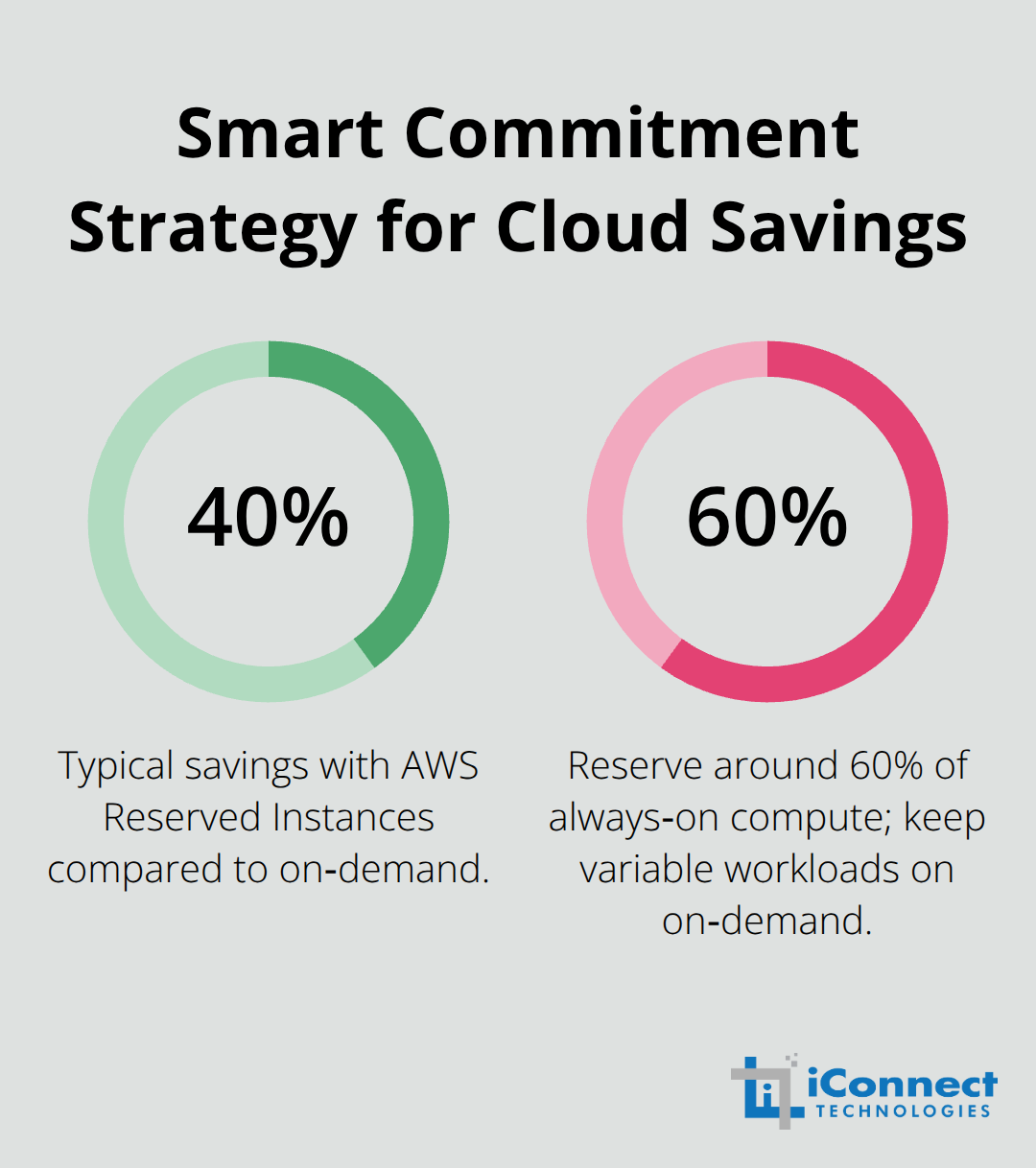
A practical approach involves reserving 60 to 70 percent of your expected compute capacity and running the remainder on-demand. This gives you the cost advantage of commitments while maintaining flexibility.
Automate Scheduling for Non-Production Resources
Implement automated scheduling for non-production resources to shut down during nights and weekends, which alone reduces infrastructure costs by 30 to 40 percent for development and testing environments that don’t need continuous availability. This automation requires minimal setup but delivers substantial savings with zero performance impact on production systems. Your team continues working normally during business hours while idle resources consume no cloud resources after hours.
Deploy Real-Time Cost Monitoring and Alerts
Implement real-time cost monitoring from day one to prevent the bill shock that derails small business budgets. Set up cloud cost management tools immediately after migration, not months later when spending patterns have calcified. These tools alert you when spending deviates from your baseline, helping you catch misconfigurations or runaway workloads before they inflate your monthly bill. Configure spending alerts at 50, 75, and 100 percent of your monthly budget so you catch problems early. Many small teams skip detailed cost allocation, but tagging every resource with a project, department, or cost center takes two hours during migration and saves countless hours tracking down unexpected charges later. Once tagged, your cost dashboard shows exactly which workloads, teams, or projects consume your budget, enabling accountability and informed decisions about where to optimize next. This visibility transforms cost management from a reactive scramble during budget reviews into a continuous discipline embedded in your operations.
Align Cost Controls with Performance Objectives
These cost reduction techniques work together to lower expenses while maintaining the performance your business depends on. The key involves making deliberate choices about which resources deserve reserved capacity, which ones benefit from automation, and where you need real-time visibility to prevent waste. Your next step involves selecting the right cloud provider and services that support these optimization strategies while delivering the speed and reliability your operations require.
Keeping Performance Strong While Controlling Costs
Selecting the right cloud provider matters far more than most small business owners realize, yet many choose based on marketing messaging rather than performance requirements and cost structures. AWS dominates the market with the broadest service catalog and most mature optimization tools, making it ideal if your team has existing AWS expertise or if you need specialized services like machine learning or advanced analytics. Azure works best when your business already runs Microsoft software like Office 365, SQL Server, or Active Directory, since native integration eliminates costly data transfer fees and simplifies identity management. Google Cloud offers the most competitive pricing on compute and storage, particularly for data-intensive workloads, though its smaller ecosystem means fewer third-party integrations and less community support for small teams. The critical decision involves matching your workload characteristics to provider strengths rather than assuming one provider fits everything.
A manufacturing company running legacy ERP systems paired with Office 365 should default to Azure, while a startup building containerized microservices might find Google Cloud’s pricing advantage worth the smaller ecosystem. Your choice directly impacts whether cost optimization strategies like reserved instances and committed use discounts work smoothly or require workarounds that consume your team’s time.
Define Performance Baselines Before Optimization
Establish performance baselines before optimization begins, not after, because cost cuts without performance targets inevitably degrade service quality. Measure response times, database query speeds, API latency, and application availability for your current on-premises systems during the week before migration. These become your performance floor in the cloud. AWS and Azure provide CloudWatch and Application Insights respectively-tools that track performance alongside cost, letting you see whether cost reductions actually harm speed or reliability. Set alerts at 10 percent above normal latency to catch performance degradation early, before users notice slowness.
Most small businesses focus exclusively on cost metrics like monthly spend and miss the correlation between aggressive cost cuts and performance issues that damage customer experience far more than any savings help the bottom line. Research on IT cost optimization consistently shows that organizations treating cost management as strategic gain 15 to 20 percent efficiency improvements while maintaining performance, whereas those pursuing aggressive cost-cutting sacrifice 8 to 12 percent in performance and user satisfaction. The difference involves deliberate choices about what deserves optimization and what deserves protection.
Monitor Costs and Performance Continuously
Cost and performance monitoring must happen continuously, not quarterly or annually, because cloud environments change constantly as workloads shift and usage patterns evolve. Deploy cloud cost management tools immediately after migration, not months later when overspending has already occurred. Configure these tools to show cost per user, cost per transaction, and cost per application, connecting spending directly to business value. When you see that a particular application costs 40 percent more per transaction than six months ago, you investigate whether usage increased, whether performance degraded, or whether misconfiguration crept in.
Without this visibility, cost drift becomes invisible until your monthly bill shocks you. Set up monthly cost reviews with your technical team and finance stakeholders where you examine the previous month’s spending against projections, identify anomalies, and adjust reserved instance commitments based on actual usage trends. Organizations practicing this discipline consistently report 5 to 8 percent monthly cost reductions over the first year post-migration without performance impact, because small corrections compound into substantial savings.
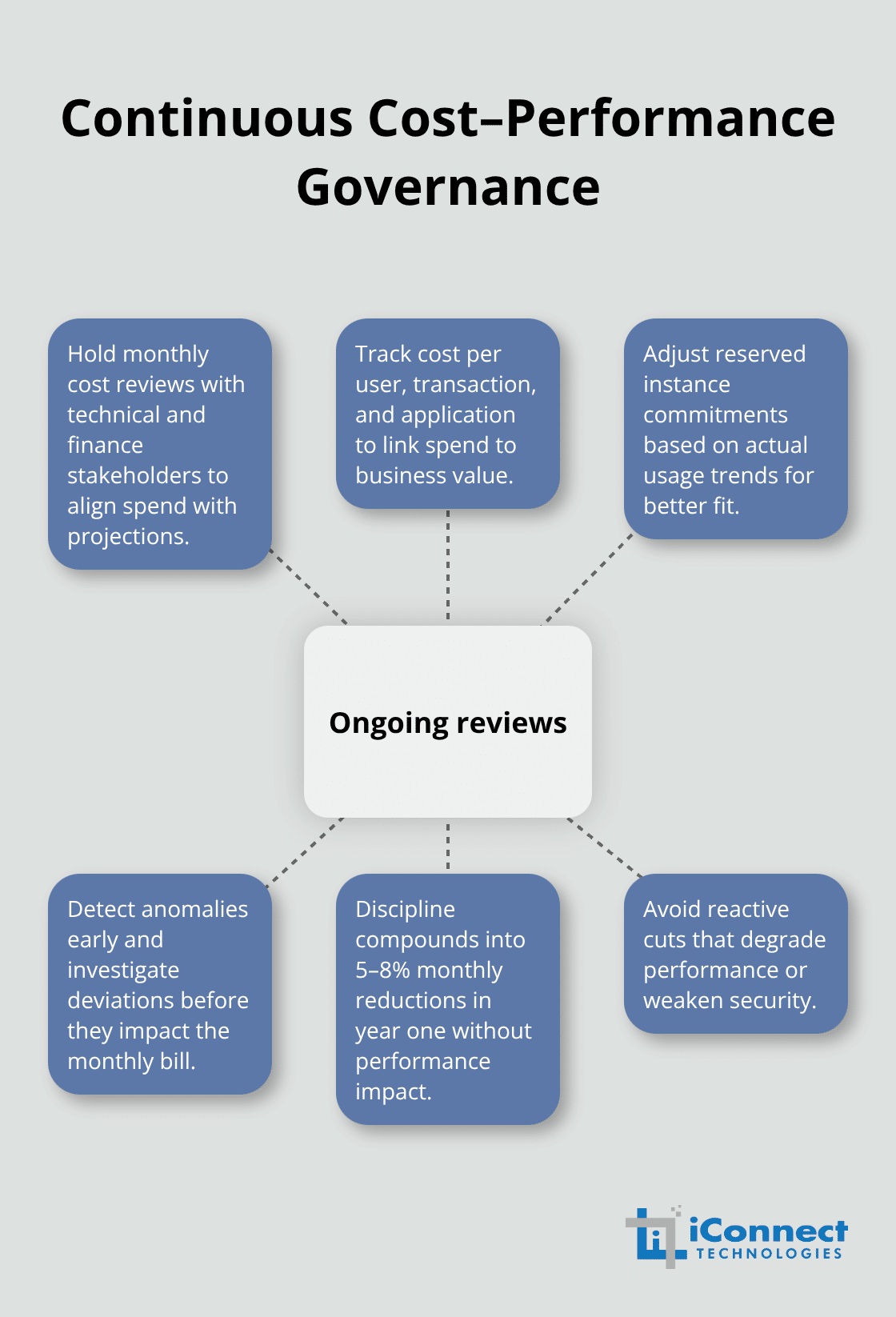
The alternative involves reactive cost management where you slash spending when budgets get tight, often cutting things that matter for performance or security.
Align Cost Controls with Business Outcomes
Connect your cost reduction efforts directly to business outcomes rather than treating optimization as a technical exercise separate from your operations. When you track cost per transaction or cost per user, you create accountability that spans both technical teams and finance stakeholders. This alignment ensures that cost decisions reflect business priorities, not just infrastructure efficiency. A 20 percent reduction in monthly cloud spend means little if it causes a 5 percent increase in application response times that frustrates customers or slows your sales team. Conversely, a 2 percent increase in cloud costs that enables a 15 percent improvement in application speed directly supports revenue growth and customer satisfaction.
Final Thoughts
Cloud migration cost optimization succeeds when you treat it as an ongoing discipline rather than a one-time project completed at go-live. The strategies covered throughout this guide-right-sizing resources, leveraging reserved instances, automating non-production scheduling, and deploying real-time cost monitoring-work together to lower your cloud expenses while preserving the performance your business depends on. Small business owners who implement these tactics consistently recover 20 to 30 percent of monthly cloud spend within the first year, not through aggressive cost-cutting that damages operations, but through deliberate choices aligned with actual workload demands and business priorities.
Strategic cloud migration planning delivers benefits that extend far beyond initial cost savings. Organizations that invest upfront in proper infrastructure assessment, skilled professional services, and comprehensive team training establish governance foundations that prevent the sprawl and waste plaguing most cloud environments. When your team understands cost allocation, performance baselines, and the connection between spending and business outcomes, they make better decisions about resource provisioning, vendor selection, and technology investments across the organization.
Your next step involves creating a simple cost optimization backlog specific to your environment. Start by auditing your current cloud spend for the past 90 days, identifying your top three cost drivers, and prioritizing which optimization strategies deliver the fastest payback. Deploy a cost monitoring tool configured with alerts and dashboards within the next 30 days, then schedule monthly reviews with your technical and finance teams to track progress against your optimization targets.